I Paint By Numbers: Turn Photos Into Art
On this page
Many people dream of creating their own painting but worry they lack the talent. Paint by numbers is the perfect fix: it lets you tackle a complex scene by simply filling numbered areas with color. And with AI, you can now turn your own favorite photo into a custom kit. Upload an image, and the tool rebuilds it as a numbered template with a matching palette, ready to print or paint on canvas. This guide explains how it works, walks through the steps, and compares the best free AI paint by numbers generators.
What Are Paint by Numbers Kits and How Do They Work?
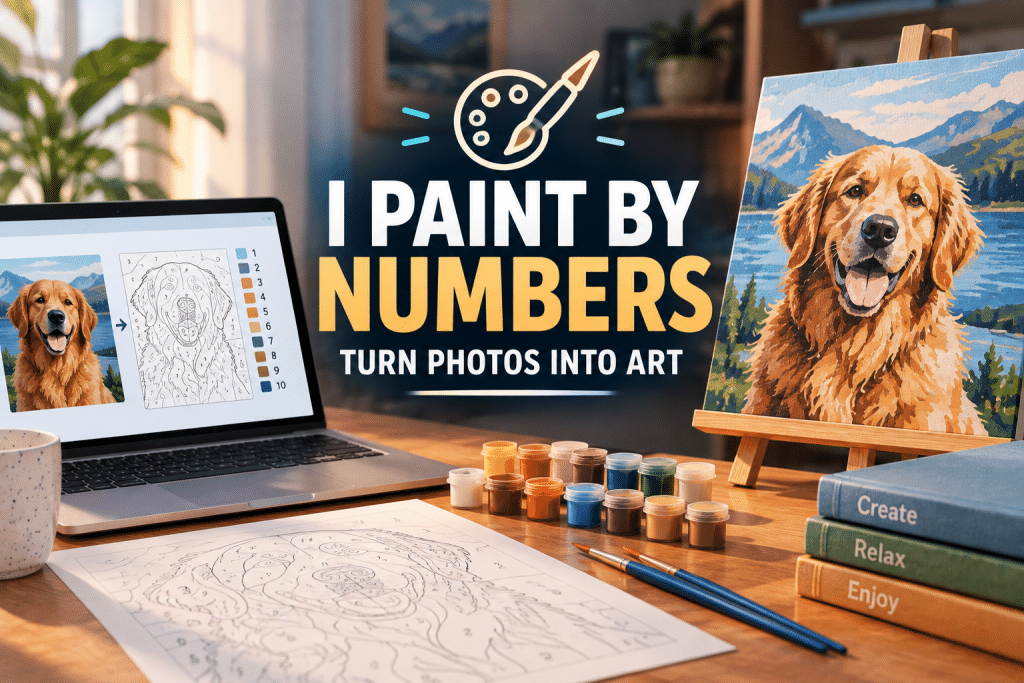
Think of it as a coloring book for grown-ups. You get a canvas printed with outlines, and each section has a number that matches a specific paint. There is no guessing which color goes where: find the areas marked “1,” fill them with paint number 1, move on to “2,” and keep going.
At first it looks like a colorful mess, but after a few relaxing evenings the patches come together into recognizable shapes: a tree, a cloud, and a smile. The appeal is twofold: you are almost guaranteed a good result even if you have never painted, and the focused, repetitive process is genuinely calming, a bit like meditation that leaves you with real art at the end.
How to Create Your Custom Paint by Numbers Using AI
The workflow is quick and beginner-friendly:
-
Sign up (if needed). Some tools require a free account for a dashboard to save projects; several work with no signup at all.
-
Upload and design your template. Add your photo, then set the size (Letter, Tabloid, or custom), crop to focus on what matters, and choose difficulty by the number of colors. More colors mean greater detail and a more realistic result.
-
Download your files. The AI processes the photo in about 10 seconds to a minute, then gives you the original for reference, a preview of the finished painting, a numbered outline ready to print or transfer to canvas, and a color palette with codes and names.
A tip for good results: use a photo with a clear subject, good lighting, and an uncluttered background. Close-up portraits of people and pets work especially well, while busy backgrounds produce a fiddly, hard-to-paint template.
The Best AI Paint by Numbers Generators
A note on pricing before the tools: with every generator here, creating and downloading the printable template is free. The paid option is optional, ordering a physical kit (pre-printed canvas, matched paints, brushes) shipped to you. So if you already own acrylics, you can print and paint today at no cost.
1. PBNify
Official website: pbnify.com
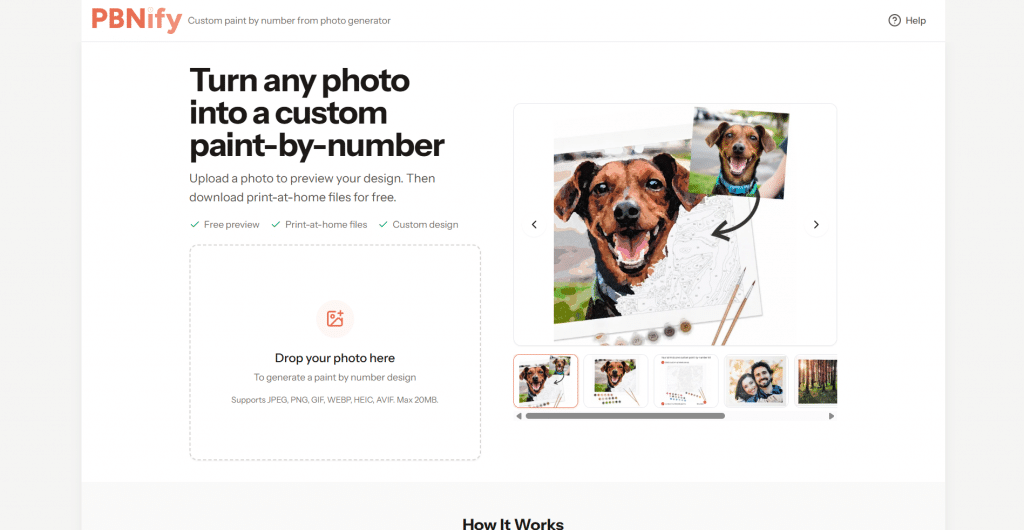
Platform: Free browser-based generator, runs locally.
Features: PBNify is the original and best-known tool in this niche. It turns any photo into a numbered design with a matched color guide, supporting up to 60 colors for high detail, a background-removal toggle, multiple crop options, and a before-and-after preview so what you see is what you get. It processes in your browser, includes a photo checker that grades resolution and contrast before you commit, and downloads a print-ready PDF for free.
Pricing:
|
Option |
Price |
What you get |
|
Printable |
Free |
Numbered PDF template and matched palette, no signup |
|
Custom kit |
Paid |
Printed canvas, matched paints, brushes (retail or wholesale by the carton) |
-
The original, well-established generator with up to 60 colors
-
Free printable PDF with matched palette
-
Background removal, crop options, and before-after preview
-
Photo checker flags weak images before you paint
-
Custom single kits are pricier than buying paints yourself
-
Kit ordering geared partly toward wholesale resellers
2. Davincified
Official website: davincified.com
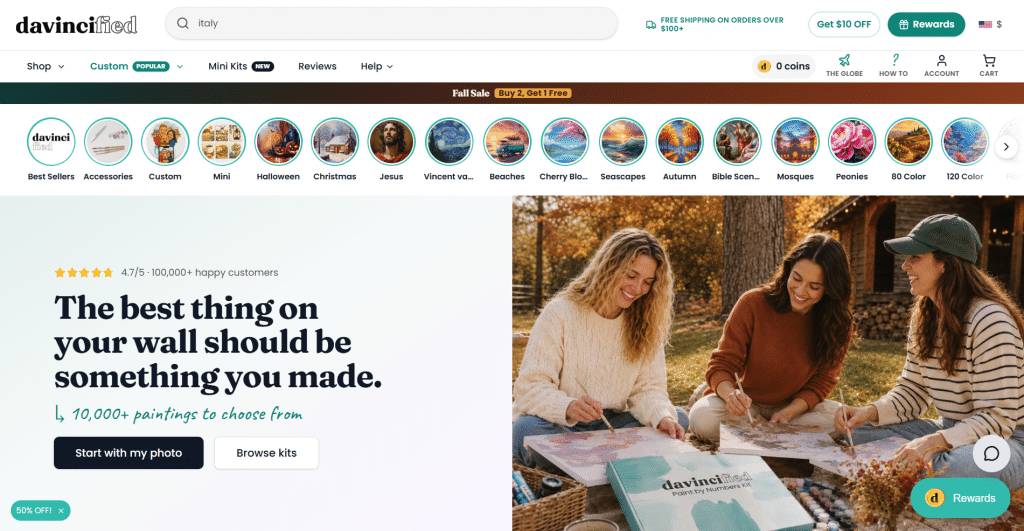
Platform: Free browser generator, no account.
Features: Davincified is a strong international option that needs no account and adds no watermark. Upload a photo, choose canvas size and the number of colors, and download a four-page printable PDF (numbered template, clean outline, color reference, and full palette with hex codes) in seconds. If you want the physical version, it prints your photo onto a stretched canvas with pre-mixed matched acrylics and ships a single kit to over 100 countries.
Pricing:
|
Option |
Price |
What you get |
|
Printable |
Free |
Four-page PDF with template, outline, palette, and hex codes |
|
Custom kit |
From about $29.90 |
Canvas, numbered paints, brushes, 30-day money-back |
-
Genuinely free printable, no account or watermark
-
Detailed four-page PDF with hex-code palette
-
Ships single custom kits to 100+ countries
-
Well-reviewed kit quality (4.7 stars across thousands of reviews)
-
Full physical kit is a paid purchase
-
Best results still need a clear, well-lit photo
3. Digitpaints
Official website: digitpaints.com
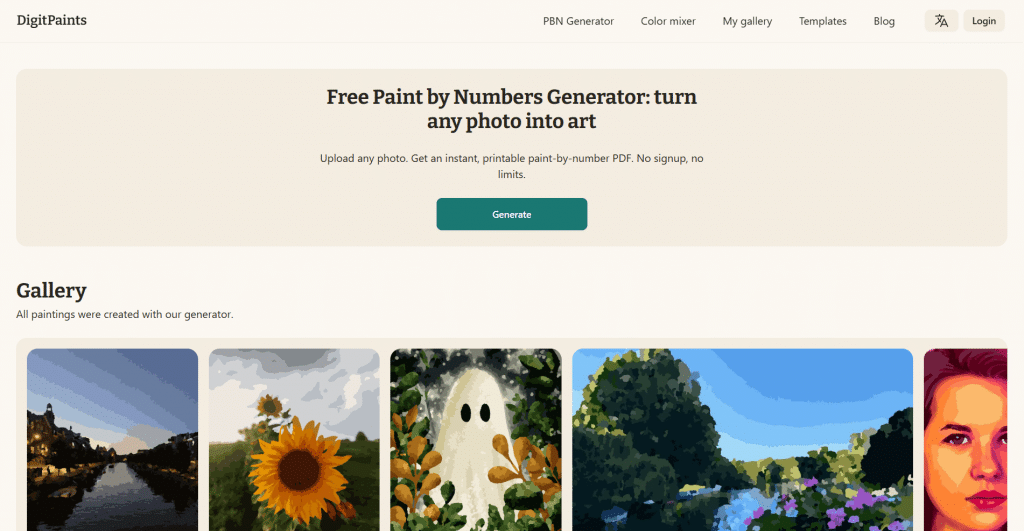
Platform: Free browser generator, no signup.
Features: Digitpaints works very similarly: no sign-up, fast results, and a printable template from your photo. Its handy extra is convenient links to buy the exact acrylic paints your design needs, which saves you matching colors by hand, a small but practical touch for people who want to paint the design themselves rather than order a full kit.
Pricing:
|
Option |
Price |
What you get |
|
Printable |
Free |
Numbered template from your photo, no signup |
|
Paints |
Pay via linked stores |
Direct links to the exact acrylics your design needs |
-
Free and fast with no signup
-
Convenient links to buy the exact matching paints
-
Simple, beginner-friendly workflow
-
Good for painting the design yourself
-
Fewer customization options than PBNify
-
Relies on third-party links for paint purchase
Free Printable vs Ordering a Kit
Worth knowing before you start: with all these tools, generating and downloading the printable template is genuinely free. The paid option is ordering a physical kit, a pre-printed canvas with pre-mixed numbered paints and brushes shipped to you. So if you already own acrylics, you can print the template and paint today at no cost. If you would rather skip printing, paint-matching, and framing, the kit is the convenient upgrade. Neither is required to try the tools.
Who These Are For
-
Anyone wanting a personal gift, turning a photo of family, a pet, or a special moment into a handmade painting.
-
Beginners and non-artists who want a guaranteed good result with no drawing skill.
-
People looking to unwind, since the focused, number-by-number process is relaxing.
-
Crafters and hobbyists who enjoy DIY projects and home decor with a personal story.
Conclusion
Turning a cherished photo into your own paint by numbers kit is surprisingly simple and takes just minutes. It is more than a craft project: it is a heartfelt gift that carries emotion in every brushstroke or a personal piece that lets your home tell your own story. The free AI generators, PBNify, Davincified, Digitpaints, and Vrame, all get you a printable template at no cost, so you can start with nothing more than a favorite photo and a little creativity. Pick a clear, well-lit image, choose your color count, and let the tool do the hard part. No artistic talent required.
❓ Frequently Asked Questions
Answers to relevant questions about this AI tool