Best AI Image Enlarger Tools: Top 5 Ways to Upscale Photos
On this page
You have the right photo. It’s also 800 pixels wide, and the print shop wants 3,000. Stretch it in a regular editor and you get mush: soft edges and blocky pixelation. An AI image enlarger takes a different route and generates the pixels you’re missing. This guide compares five tools that do it well, with prices checked in July 2026.
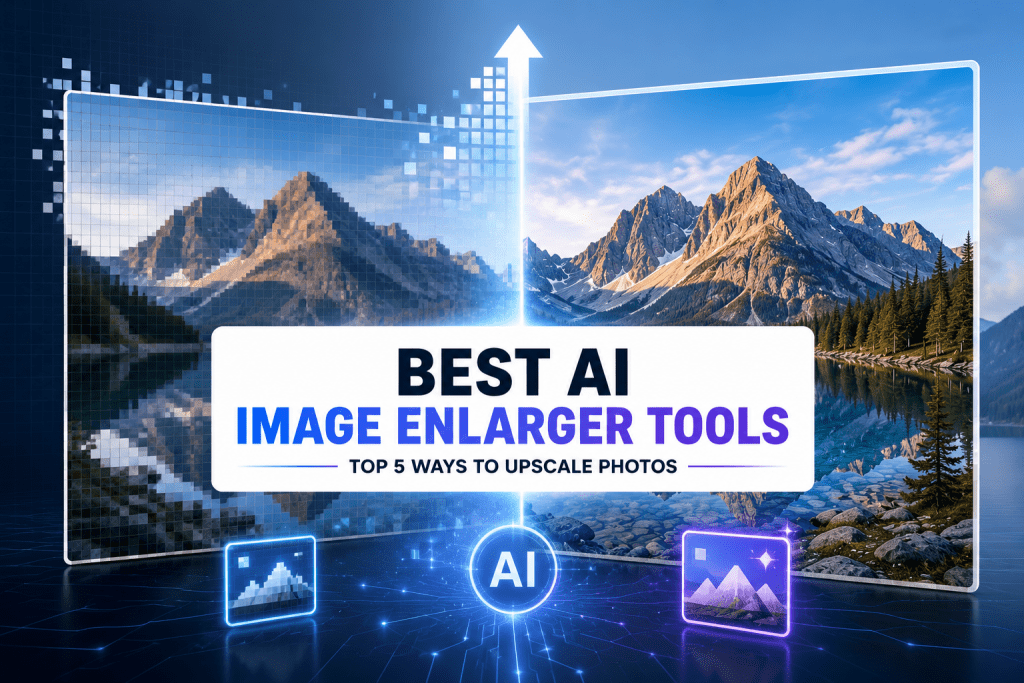
What Is an AI Image Enlarger and How Does It Work?
Classic resizing copies existing pixels and spreads them over a larger canvas, which is why enlarged photos go blurry. Super-resolution technology works in three steps instead:
- Analyze. A neural network, trained on millions of photo pairs, recognizes what it’s looking at: skin, grass, text, brick.
- Generate. It draws new pixels that fit those patterns: 2x, 4x, 8x, or 16x upscaling of the original image resolution, depending on the tool.
- Clean up. The same pass usually applies noise reduction plus sharpening and detail enhancement, so compression artifacts go out with the blur.
One caveat: the AI predicts plausible detail rather than recovering truth, so a blurry license plate only becomes a sharper guess. For textures, faces, and print, low-res to high-res conversion now holds up well.
Top 5 AI Image Enlargers
These five image enlargers split the territory neatly: two desktop apps for quality and privacy, three web tools for speed and convenience.
1. Topaz Gigapixel
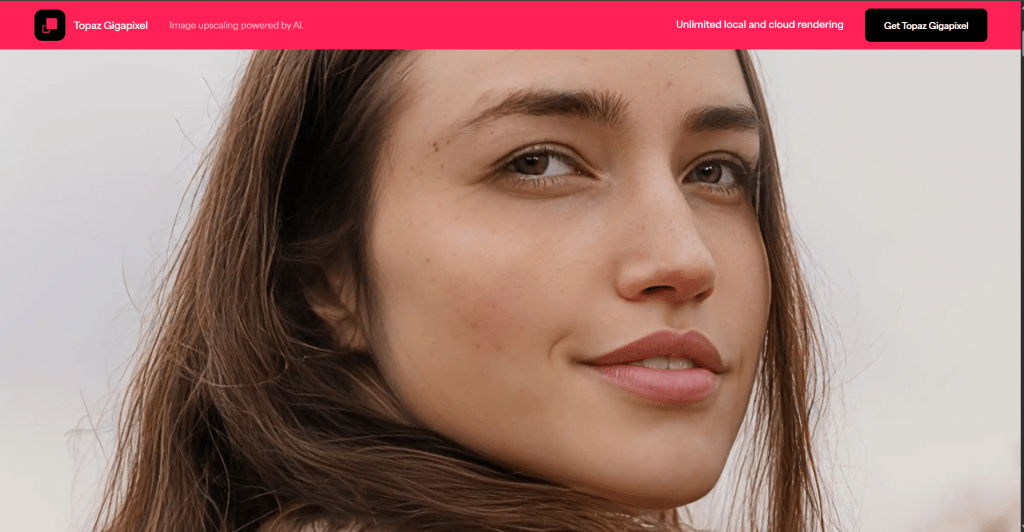
Official Website: topazlabs.com
Gigapixel has been the professional benchmark since 2019. Nine AI models split the work: Low Res rescues tiny files, Face Recovery rebuilds portraits, and the new Wonder model does everything in one click. It scales to 6x, keeps files on your own machine, and batch processing clears hundreds of images in a queue.
Platform: Windows and macOS desktop app, plus Photoshop and Lightroom Classic plugins.
Pricing:
|
Plan |
Price |
Key Features |
|
Personal |
$12/mo billed annually ($149), or $29/mo |
All image models, unlimited local and cloud rendering |
|
Pro |
$42/mo billed annually ($499) |
Full commercial use, extra models, seat management |
- The best output quality on real photographs here, especially portraits.
- Plugs straight into a Photoshop or Lightroom workflow.
2. Upscayl
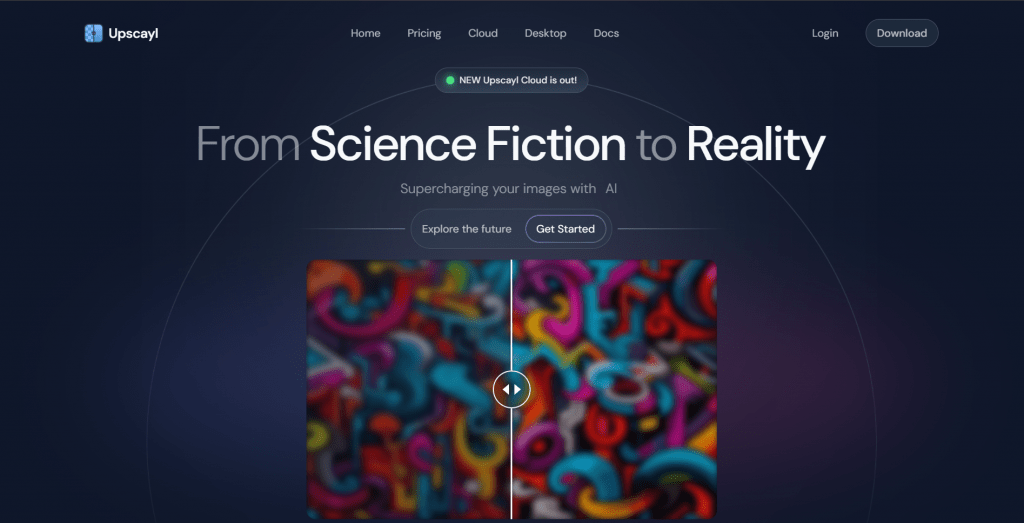
Official Website: upscayl.org
Upscayl is the serious free answer. It runs Real-ESRGAN-family models on your own graphics card, and everything happens offline: no account, no upload, no payment involved.
Platform: Windows, macOS, and Linux desktop app; open source.
Pricing:
|
Plan |
Price |
Key Features |
|
Desktop |
Free, forever |
Everything: all models, batch, 16x, offline |
|
Upscayl Cloud |
Paid, optional |
Cloud processing for machines without a capable GPU |
- Costs nothing: no watermarks, no caps, no account.
- Works fully offline in any country.
- Batch mode plus a double-upscale trick for very small sources.
- Requires a Vulkan-compatible GPU; most integrated graphics won’t run it.
- Photo results can look slightly painted next to Gigapixel’s.
3. Let’s Enhance
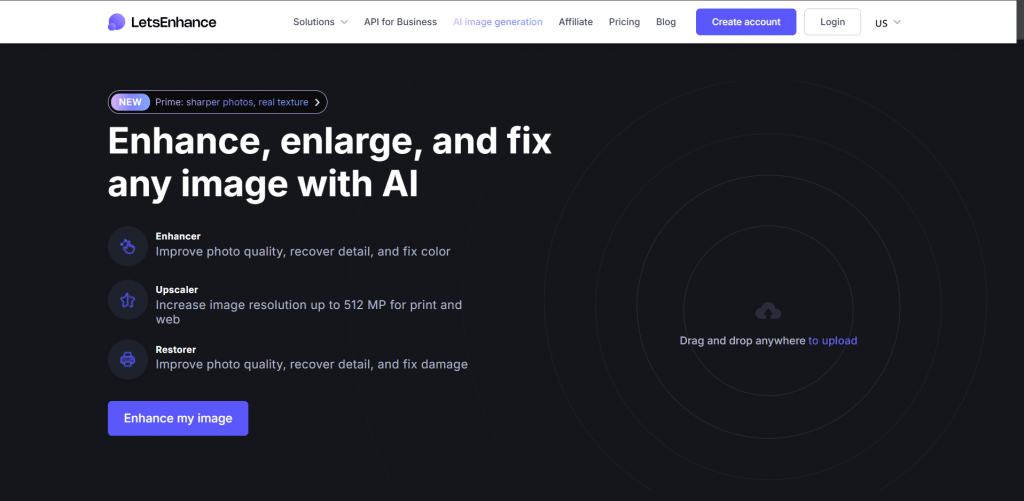
Official Website: letsenhance.io
Let’s Enhance is the pick when installing software is off the table. Upload, choose a preset, download: it will upscale photos without losing quality for shop listings and print files. One credit processes one image, and unused credits roll over while you stay subscribed. The platform has a pay-as-you-go bundle that covers one-off jobs.
Platform: Web browser; interface in 16 languages.
Pricing:
|
Plan |
Price |
Key Features |
|
Free |
$0 |
10 signup credits, watermarked downloads |
|
Starter |
$9/mo billed annually ($12 monthly) |
100 credits/mo, up to 256 MP output |
|
Pro |
$24/mo billed annually |
300 credits/mo, up to 350 MP |
|
Max |
$34/mo billed annually |
500 credits/mo, up to 512 MP |
- Nothing to install; works on any device with a browser.
- Print-oriented presets output true print-quality images with correct DPI.
- Sixteen interface languages and credit rollover.
- Cancel your plan and remaining credits expire with it.
4. Imglarger
Official Website: imglarger.com
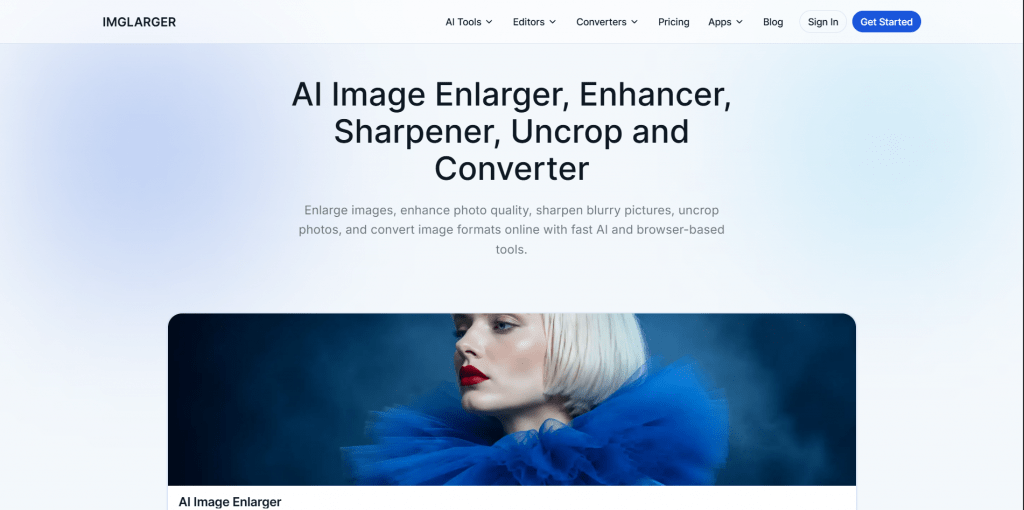
Imglarger bundles an AI photo enlarger with an upscaler, denoiser, enhancer, and background remover behind one login. Its free credits refresh monthly, a real allowance rather than a one-time teaser.
Platform: Web browser, with companion mobile apps.
Pricing:
|
Plan |
Price |
Key Features |
|
Free |
$0 |
100 credits/mo, 2x scale, 1,024 px inputs |
|
Premium |
$9.99/mo |
2,000 credits/mo, 8x scale, batch mode |
|
Business |
$19.99/mo |
6,000 credits/mo, priority support |
- 100 free credits arrive every month, no card required.
- A full image enlargement software toolbox in one subscription, with a 7-day refund window.
- Free tier’s 2x and 1,024-pixel limits rule out serious work.
- Tops out at 8x where rivals reach 16x.
5. Bigjpg
Official Website: bigjpg.com
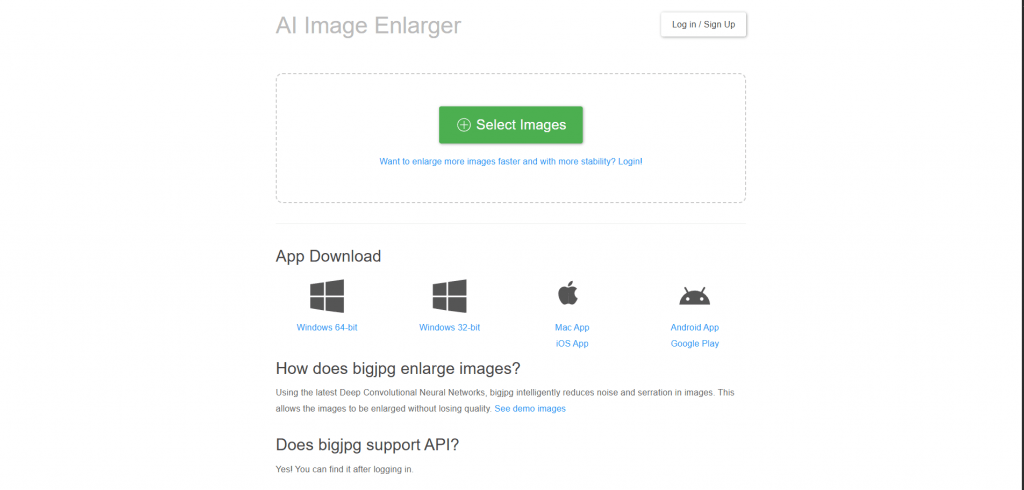
Bigjpg builds on the waifu2x approach, with neural networks tuned for anime and illustrations, where it keeps lines and flat colors nearly perfect. Photos are supported too. All paid tiers are one-time payments, with 16x scale, 50 MB uploads, and batch mode. Payment options include PayPal, Stripe, Alipay, WeChat Pay, crypto.
Platform: Web browser plus Windows, macOS, iOS, and Android apps; 18 interface languages.
Pricing:
|
Plan |
Price |
Key Features |
|
Free |
$0 |
20 images/mo, 4x scale, 5 MB uploads |
|
Basic |
$6 one-time, 2 months |
500 images/mo |
|
Standard |
$12 one-time, 6 months |
1,000 images/mo |
|
Premium |
$22 one-time, 12 months |
2,000 images/mo |
- The reference tool to enlarge images with AI for anime and line art.
- Crypto payments included.
- Photo results trail the specialists above.
- Free tier is slow at busy hours and capped at 3,000 by 3,000 pixels.
Comparison Table
|
Tool |
Best for |
Free option |
Max scale |
|
Topaz Gigapixel |
Pro photo work, prints |
None, 2-day refund |
6x |
|
Upscayl |
Zero-budget, privacy |
Everything is free |
16x |
|
Let’s Enhance |
In-browser convenience |
10 credits, watermark |
512 MP output |
|
Imglarger |
Casual multi-tool use |
100 credits/month |
8x |
|
Bigjpg |
Anime, art |
20 images/month |
16x |
Picking the Right One for Your Photos
The best AI image enlarger depends on what’s in the photo and what’s in the budget:
- Photographers preparing prints: Topaz Gigapixel, on the annual plan.
- No budget: Upscayl does 90 percent of the job for free.
- Quick jobs from any device: Let’s Enhance, with Imglarger as the freemium fallback.
- Anime, illustrations: Bigjpg, in your own language, without a subscription.
❓ Frequently Asked Questions
Answers to relevant questions about this AI tool