Best AI Face Swap Tools: Top Options for Realistic Photo Edits
On this page
AI has made face swapping fast and accessible. What once took a graphic designer hours of manual work, matching skin tones, lighting, and edges, now happens in seconds, as modern tools detect facial structure and blend a new face into a photo or video automatically. That power is genuinely useful for creative work, but it also comes with real responsibility, so this guide covers the leading tools, what each does best, and the consent and legal basics that matter before you use any of them.
A Note on Consent and Responsible Use First
Face-swapping is the same technology behind harmful deepfakes, so how you use it matters as much as which tool you pick. Before anything else:
- Only swap faces with consent. Use your own likeness, or a face you have clear permission to use. Putting someone’s face into an image or video without their agreement can cause real harm and is often illegal.
- Never use it to deceive, harass, or impersonate. Creating fake images of real people, especially intimate, defamatory, or fraudulent content, is unlawful in many places and unethical everywhere.
- Disclose edits where it matters. For anything that could be mistaken for a real photo of a real person, be transparent that it was AI-edited.
- Check each platform’s terms and your local laws, which increasingly regulate synthetic media.
Used within those limits, for your own profile pictures, fun edits, consented creative projects, or licensed commercial content, the tools below are legitimate and useful.
How AI Face Swapping Works
Today’s tools have moved past the old approach of pasting a flat face “mask” over a target. Modern platforms use identity-mapping models that extract the key features of a source face from a single photo, separate those features from things like shadows, highlights, and head angle, then rebuild the face inside the target image. That is why good tools can handle tricky cases, like hair, glasses, or a hand partly covering the face, and produce a natural-looking result rather than an obvious cut-and-paste.
The Best AI Face Swap Tools
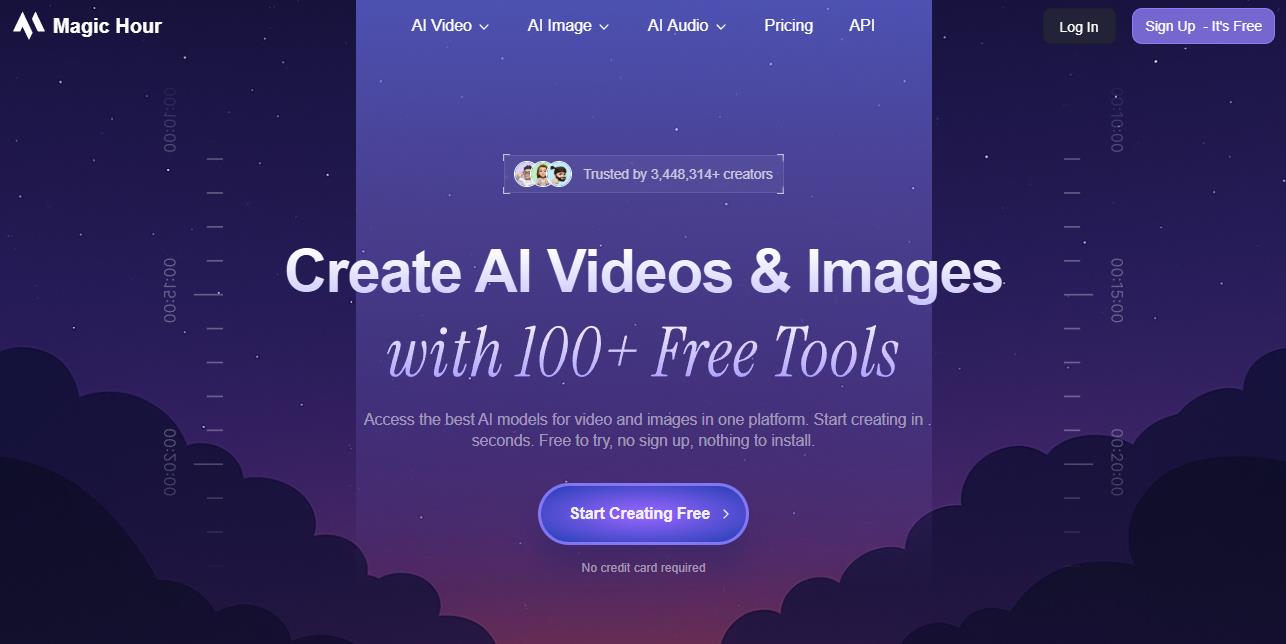
Magic Hour
Best for: multi-person photos and video.
Official website: magichour.ai
Remaker AI
Best for: clean, realistic portrait swaps.
Official website: remaker.ai
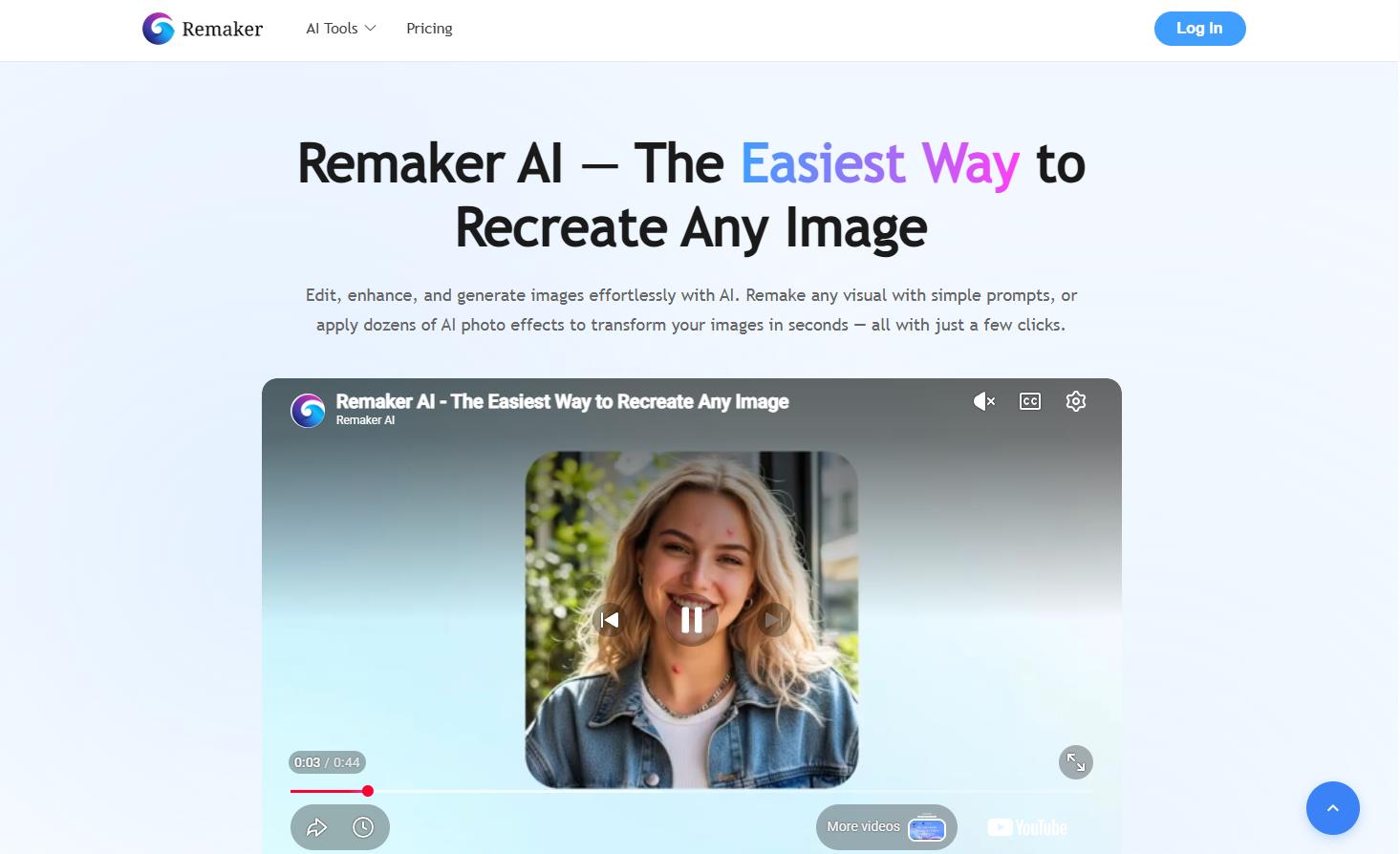
Remaker AI is a streamlined browser tool focused on high-realism portrait swaps and quick edits. Its edge-blending is good at removing visible seams along the jaw and hairline, which makes it popular for profile pictures and content creation. It runs in the browser with nothing to install, has an accessible free credit tier, and reserves the highest print-ready resolutions for paid plans.
Akool Face Swap Pro
Best for: commercial and marketing teams.
Official website: akool.com
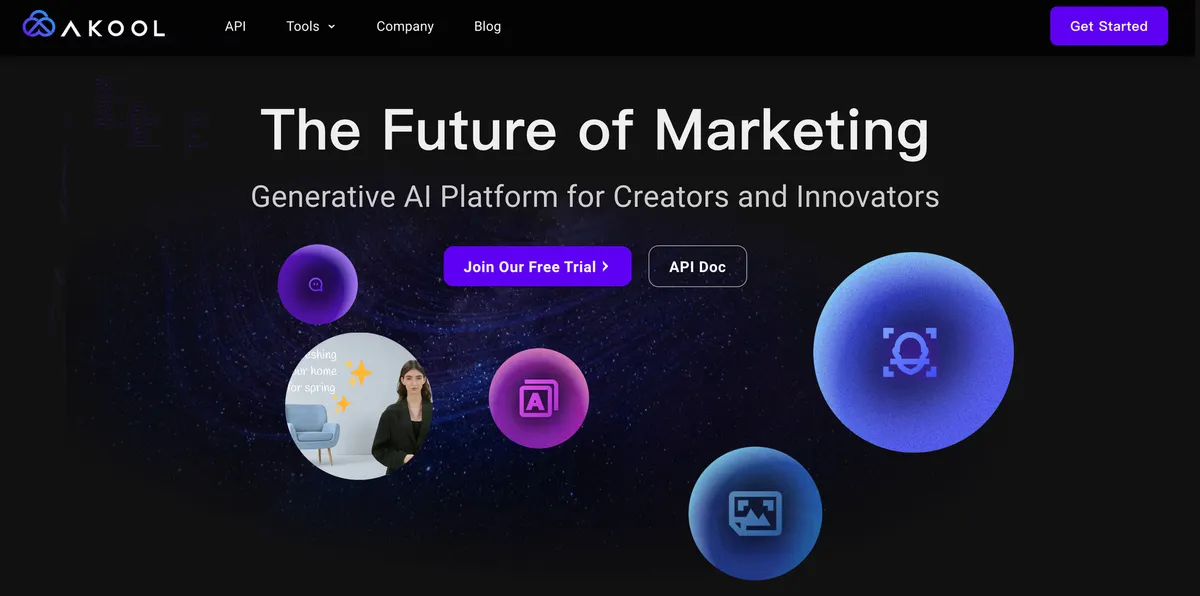
Akool is an enterprise-focused platform built for marketing campaigns and studio production. Alongside face swapping it bundles tools like voice cloning, lip-syncing, and video translation across many languages, and it matches the swapped face to the lighting and contrast of the original shot. Its deeper feature set sits behind enterprise pricing, so it is aimed at agencies and brands rather than casual users.
Reface
Best for: quick, fun mobile edits.
Official website: hey.reface.ai
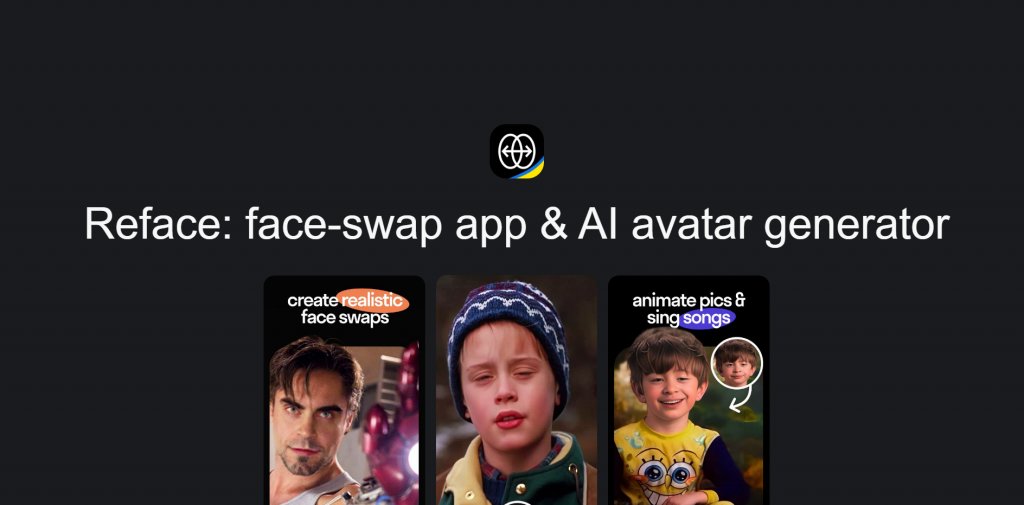
Reface is a polished mobile app built for entertainment: mapping your face onto trending movie scenes, music videos, and GIFs to share on social media. It is fast and easy, though it offers less manual control than the desktop tools, and its free tier limits exports and adds a watermark. It is a consumer toy more than a production tool, best kept to lighthearted, clearly-for-fun edits.
DeepFaceLab
Best for: advanced technical users who need local control.
Official website: github.com/iperov/DeepFaceLab
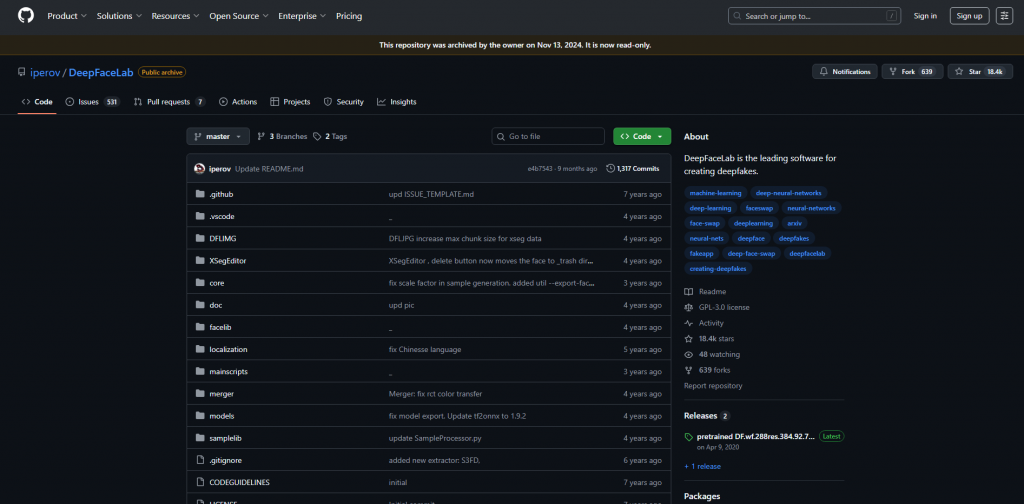
DeepFaceLab is an open-source suite that runs locally on your own hardware and gives experts full control over training and fine-tuning. Because it runs on your machine, nothing is uploaded, which suits private or archival work. The trade-offs are significant: a steep learning curve, heavy hardware demands, and the fact that this level of control is also what makes the technology easy to misuse, so it should only be used for consented, lawful projects.
Comparison Table
| Tool | Platform | Multi-face | Max resolution | Best for |
|---|---|---|---|---|
| Magic Hour | Web (cloud) | Yes | Up to 4K | Multi-person photo and video |
| Remaker AI | Web (cloud) | Yes | High-def web | Realistic portrait swaps |
| Akool Pro | Web / API | Yes | Studio HD | Commercial marketing |
| Reface | Mobile (iOS/Android) | Template-based | Mobile format | Quick, fun social edits |
| DeepFaceLab | Local (PC) | Manual | Hardware-limited | Advanced local control |
Getting a Better Result
Whatever tool you use, the quality of your input photos matters most. For a clean, natural result:
- Match the head angle. Pick a source face at a similar pose and tilt to the target photo.
- Match the lighting. Use photos shot under similar lighting direction, so skin tones and shadows line up.
- Use sharp, high-resolution images. Blurry or heavily compressed photos produce soft edges and artifacts.
- Keep the face unobstructed where possible, which gives the tool clearer features to work from.
Good inputs let the tool align features cleanly. Poor ones lead to blurred borders, odd eye direction, or mismatched skin, no matter how advanced the software is.
A Note on Privacy
If you are editing sensitive or proprietary images, think about where they are processed. Cloud tools upload your files to their servers, so check each service’s data-retention policy, many delete processed files within a set window. For the most privacy, a local tool like DeepFaceLab keeps everything on your own machine. For anything involving other people’s images, the consent rules above apply regardless of how private the tool is.
Conclusion
AI has turned face swapping into a quick, accessible creative tool. Magic Hour leads for multi-face photo and video work, Remaker AI for clean portrait swaps, Akool for commercial teams, Reface for fun mobile edits, and DeepFaceLab for advanced users who want local control. The best choice depends on your project and budget, but the most important factor is not technical: use these tools only on your own likeness or with clear consent, never to deceive or harm, and within the law. Within those limits, they are a genuinely useful addition to a creative toolkit.
❓ Frequently Asked Questions
Answers to relevant questions about this AI tool