AI Hairstyle Changer: Virtual Hair Color Try-On
On this page
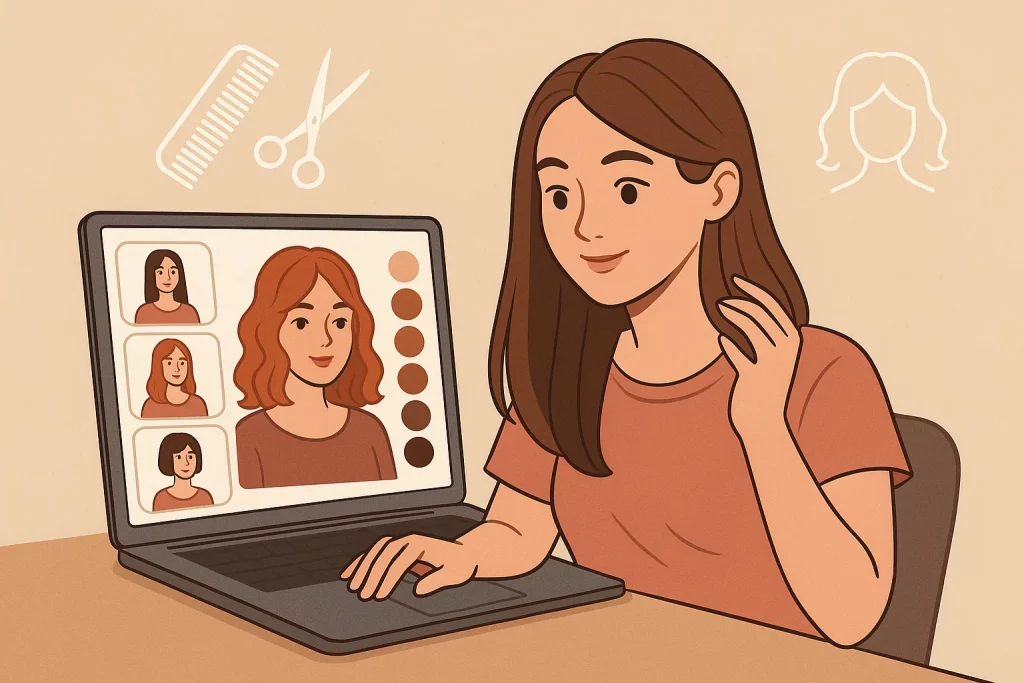 Before a big event—job interview, wedding, party, or professional headshots—these tools are a lifesaver. You can test dozens of looks in minutes and walk into the appointment feeling confident.
Many stylists even ask clients to bring these virtual try-on photos so they can better understand what you’re going for. And sometimes? It’s just plain fun to swap crazy hairstyles with friends.
Not sure? Test-drive a new look online first. Zero commitment—you can always go back to your usual style.
It’s way simpler than it sounds. Sometimes the easiest solution is the best one. Don’t take it too seriously—AI just gives you a fresh way to see yourself.
Before a big event—job interview, wedding, party, or professional headshots—these tools are a lifesaver. You can test dozens of looks in minutes and walk into the appointment feeling confident.
Many stylists even ask clients to bring these virtual try-on photos so they can better understand what you’re going for. And sometimes? It’s just plain fun to swap crazy hairstyles with friends.
Not sure? Test-drive a new look online first. Zero commitment—you can always go back to your usual style.
It’s way simpler than it sounds. Sometimes the easiest solution is the best one. Don’t take it too seriously—AI just gives you a fresh way to see yourself.
Why Try Hair Color and Hairstyles Virtually?
- No risk involved. Find out instantly whether auburn, platinum blonde, or even pastel pink suits you. If you hate it, no bleach disasters or months of growing it out.
- Saves real time and money. No need to buy dye “just in case” or book a consultation. Skip the hours you’d spend messing around in Photoshop too.
- Switch hairstyles in seconds. Sleek ponytail today, beach waves tomorrow—try anything. Upload a photo, pick a style, and see what flatters you most.
How Does Virtual Hairstyle Try-On Work?
You upload a clear selfie—good lighting and face fully visible works best. Then browse hundreds of options: length, layers, curls, bangs, color, everything. Some tools let you choose from celebrity-inspired looks; others let you fine-tune every detail. The AI actually analyzes your face shape and fits the new hair naturally. Want wedding-ready glamour or an easy everyday vibe? There’s something for both. Advanced face recognition makes the preview look realistic. The key is a clear, specific description—desired color, length, volume—so the AI nails it on the first try. In five minutes you can decide whether a lob flatters you more than a long bob—no salon appointment required yet.Best Tools for Virtual Hair Makeovers
MidJourney
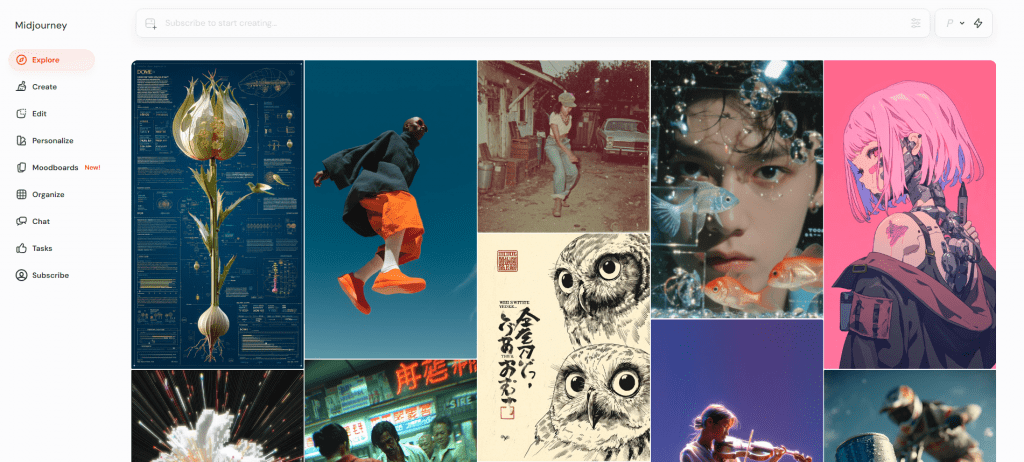 MidJourney – perfect when you feel creative and want to dream up wild or elegant new looks from a simple text prompt.
Stable Diffusion
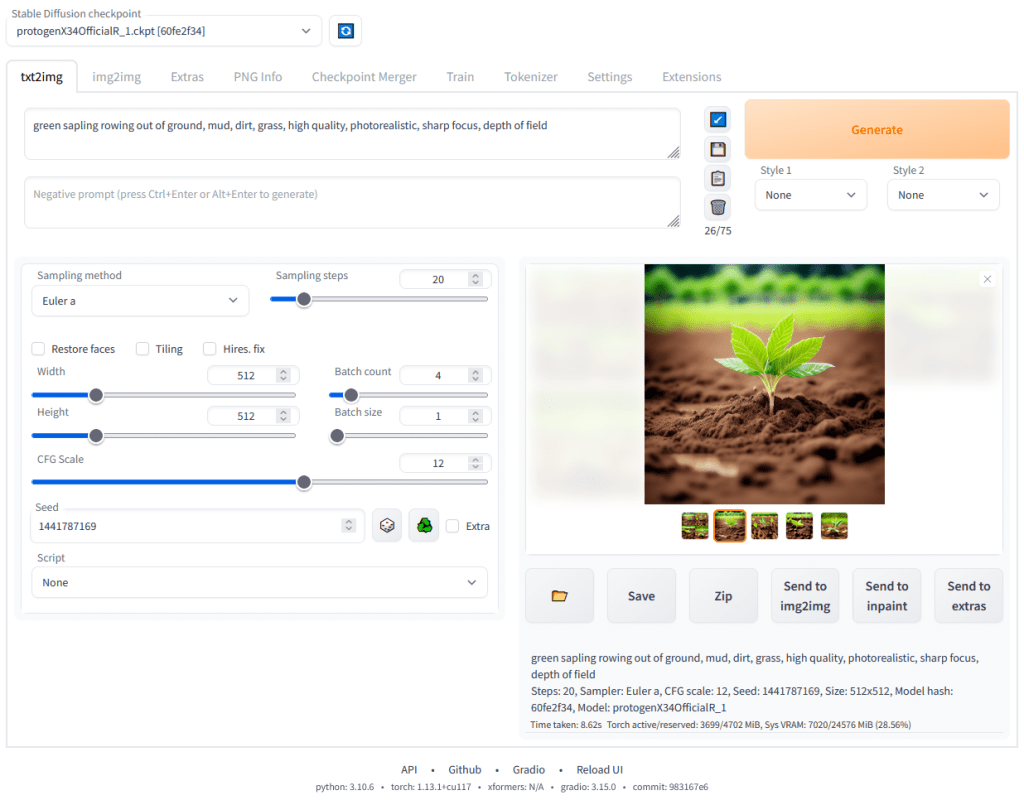 Stable Diffusion – ideal for control freaks. Adjust shade, length, background—total customization for the perfect result.
DALL-E
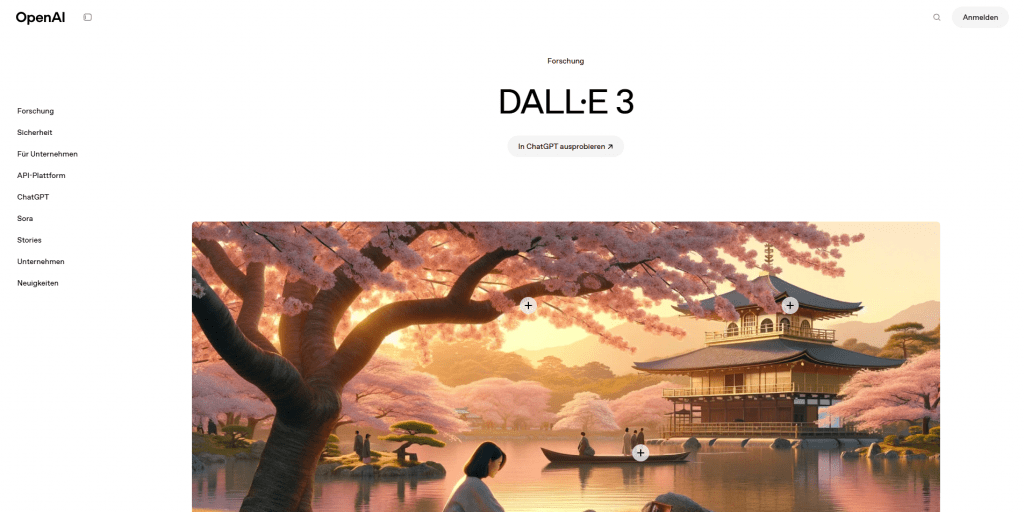 DALL-E – super-fast results from plain-English descriptions. Great when you need inspiration in seconds.
Claid AI
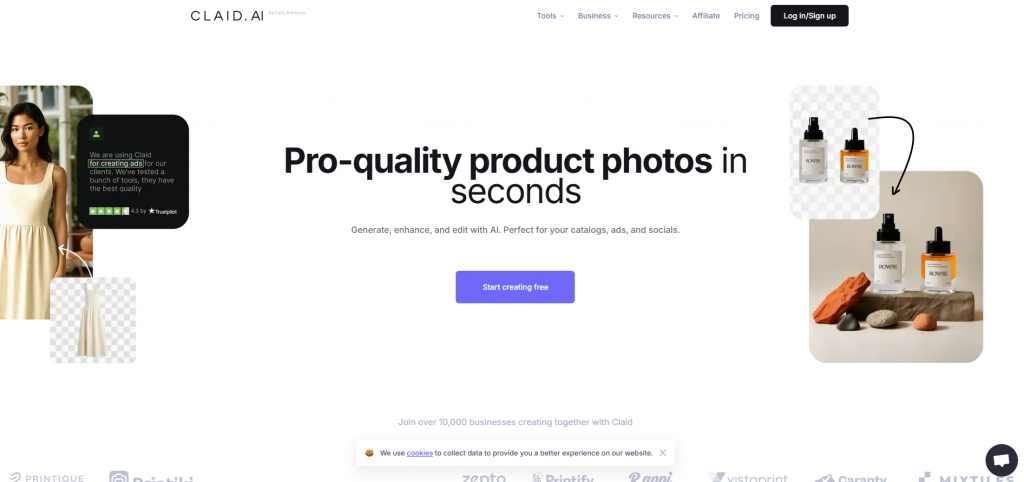 Claid AI – automatic photo enhancement plus instant hair color and style swaps. Perfect for LinkedIn headshots or social media.
Step-by-Step: How to Change Hair Color & Try Hairstyles Online
- Pick your tool – MidJourney for creativity, Stable Diffusion for precision, DALL-E for speed, Claid AI for polished photos.
- Take a good selfie. Natural light, hair pulled back, no shadows on the face—makes the AI more accurate.
- Upload your photo. Usually just drag-and-drop. Choose “hair color” or “hairstyle” mode.
- Describe what you want simply. Examples: “short blonde bob” or “chestnut wavy hair with bangs.” The clearer, the better.
- Review and tweak. You’ll get several variations. Adjust shade, add layers, try bangs—keep refining until it’s exactly right.