Artguru AI: Professional AI Art & Avatar Generator
On this page
Most AI image tools are either too complicated or too narrow. ArtGuru.ai tries to fill that gap. It promises to work for anyone, even if you have never heard of Stable Diffusion.
The service launched in 2023 in Hong Kong. The developer is Cygnus Space. We ran several tests to see where ArtGuru shines and where you might want to look elsewhere.
What Is ArtGuru and Where Can You Use It
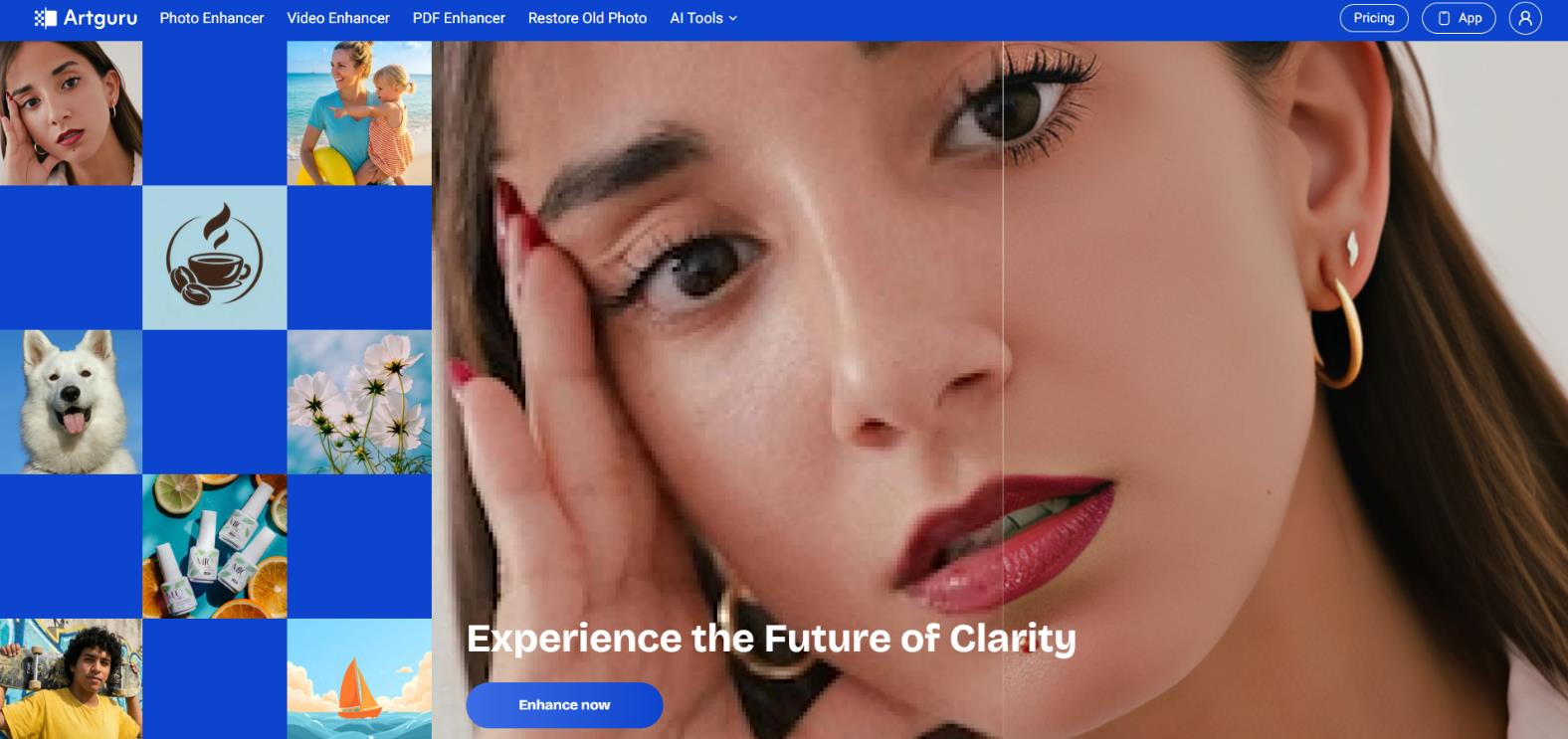
ArtGuru is a visual content Swiss Army knife. It works with three file types:
- Photos
- Video
- PDF documents
A full web version runs in any browser. Native apps exist for iOS and Android. Your account syncs across devices without trouble. Start on a computer, finish on a phone during your commute.
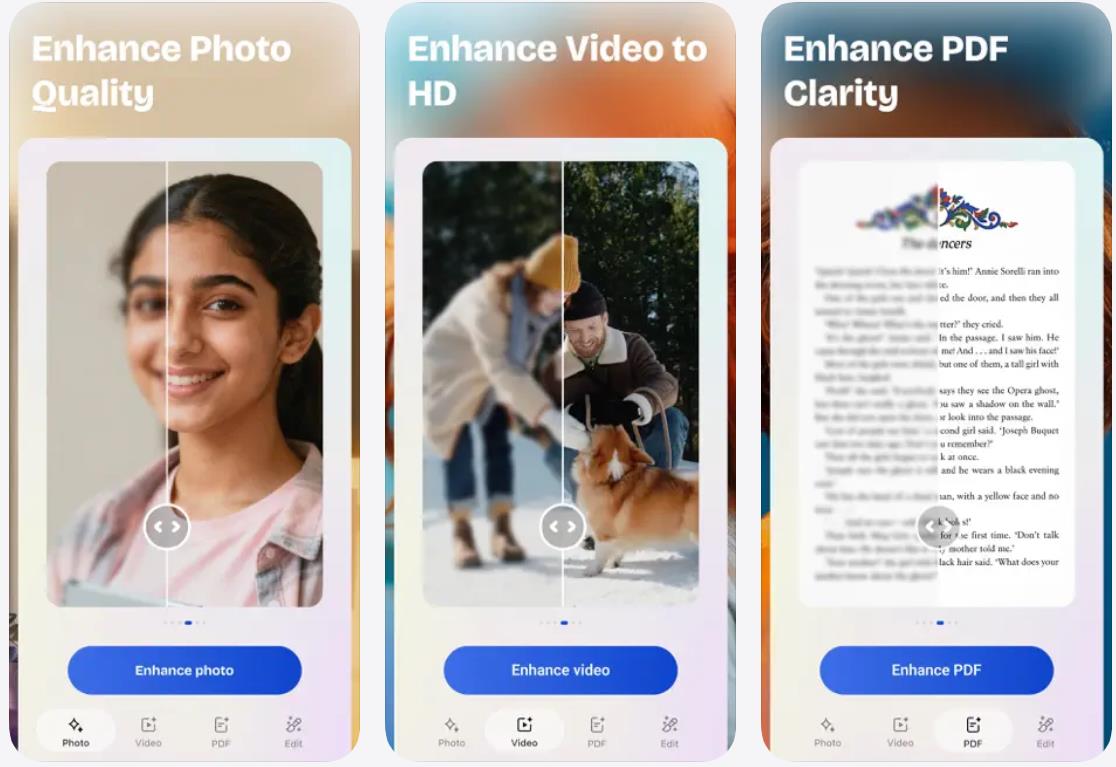
The service solves three broad tasks.
- Improving what you already have: old family photos, noisy phone video, blurry document scans.
- Generating new content: turning text into pictures or a selfie into stylized art.
- Editing: removing backgrounds, swapping faces in video, erasing unwanted objects with a magic brush.
It sounds good. In practice, it works decently. But a few things are worth knowing upfront.
How the Platform Works
Midjourney requires learning Discord, mastering prompts, and tolerating a clunky interface. ArtGuru takes the opposite approach. Speed matters more than artistic purity. That is a deliberate choice by the developers.
You need zero special knowledge. No complex prompting. No parameter tuning. Upload a file and get a result. Sometimes you do not even need to click a button.
The process is straightforward.
- Open the website or launch the app.
- Sign up with Google or email.
- Pick a tool from the menu and upload your file. Processing starts automatically.
Processing time depends on complexity and format. Photos take 10 to 20 seconds. Video might take a full minute, especially if the clip is long or heavy. For everyday tasks, that is perfectly fine.
Key Features: What ArtGuru Actually Does
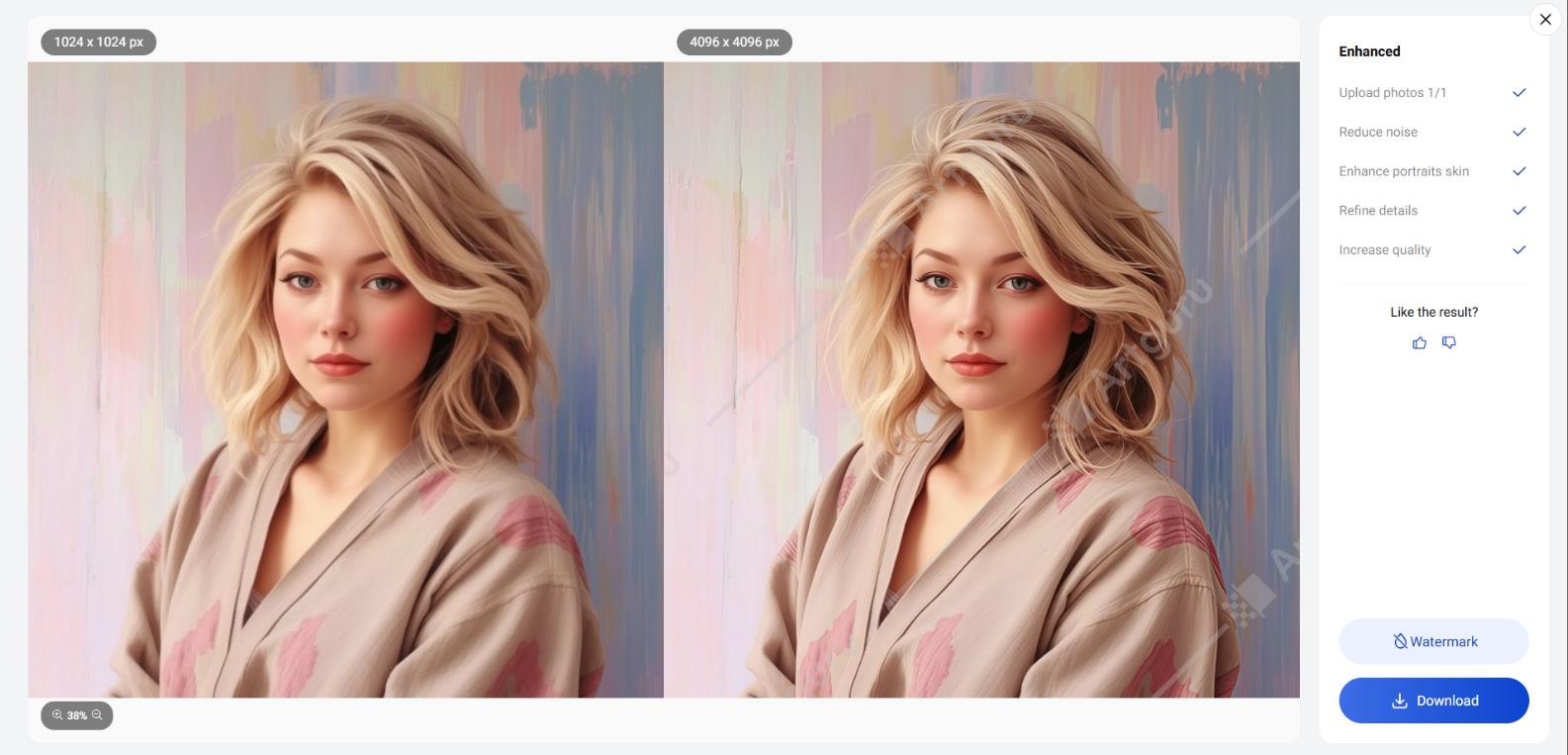
Under the hood, the service runs on Stable Diffusion with custom modifications that affect final quality. The AI automatically analyzes content. It detects noise, blur, and poor lighting, then tries to compensate without your input. You do not think about settings. The algorithm decides.
The feature list is long, but not everything is equally useful. Here is what stands out.
Photo Enhancer
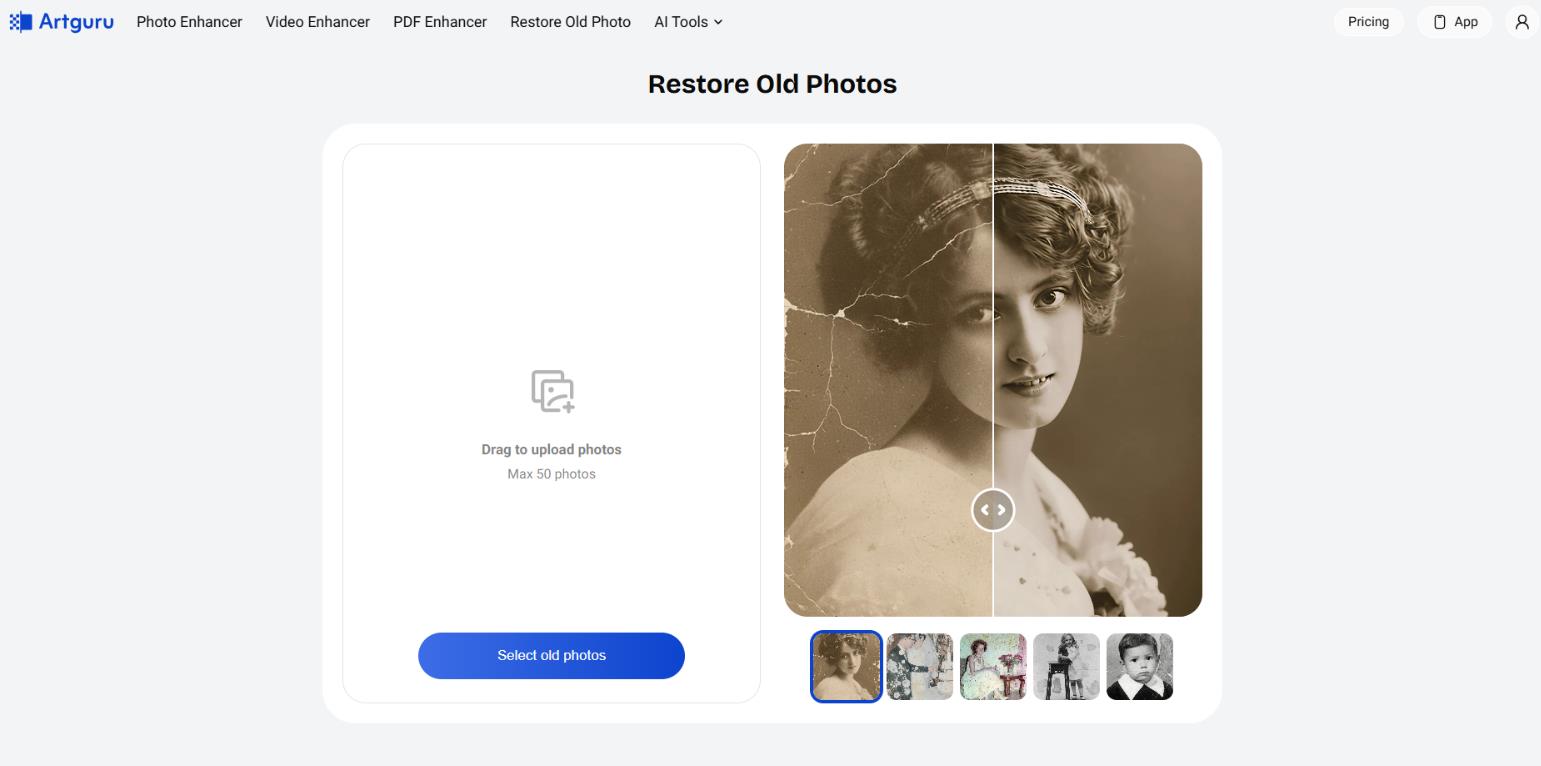
This is the heart of ArtGuru. The AI pushes resolution up to 8K. It does not just stretch pixels. It redraws missing details. Old family photos from the early 2000s become genuinely viewable. Skin texture restores cleanly, although the algorithm sometimes overdoes sharpness and faces look slightly plastic. For casual use, that is forgivable.
AI Image Generator
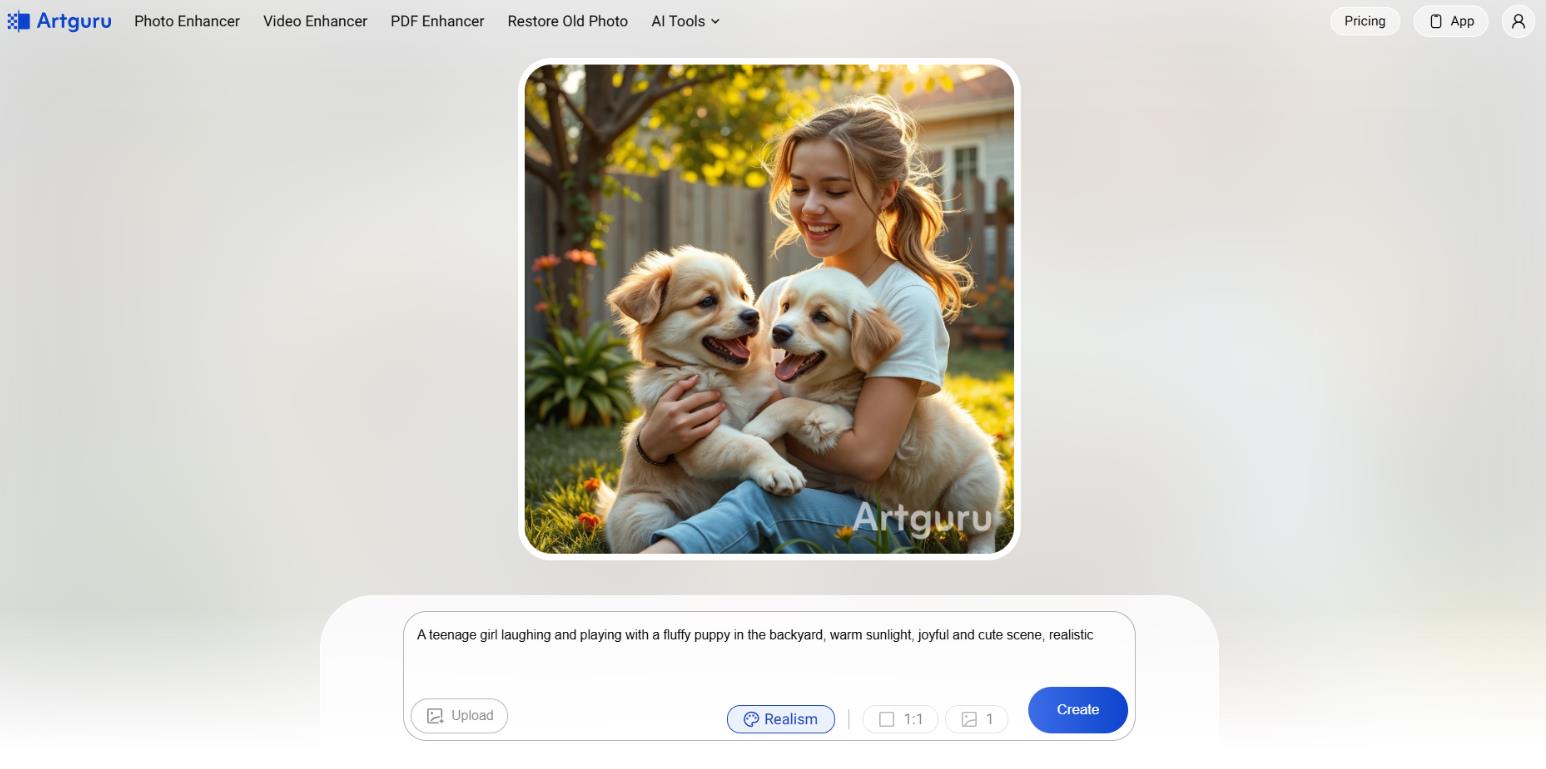
You type text. The AI draws a picture. Negative prompting is supported, meaning you tell the model what to avoid. About 30 styles are available, from classic anime to aggressive cyberpunk and oil painting. Generation quality is pleasant but falls short of DALL-E 3 on complex scenes. Ask for “a cat in a space suit playing saxophone against an exploding star,” and the result may drift far from what you imagined.
Video Tools and Face Swap
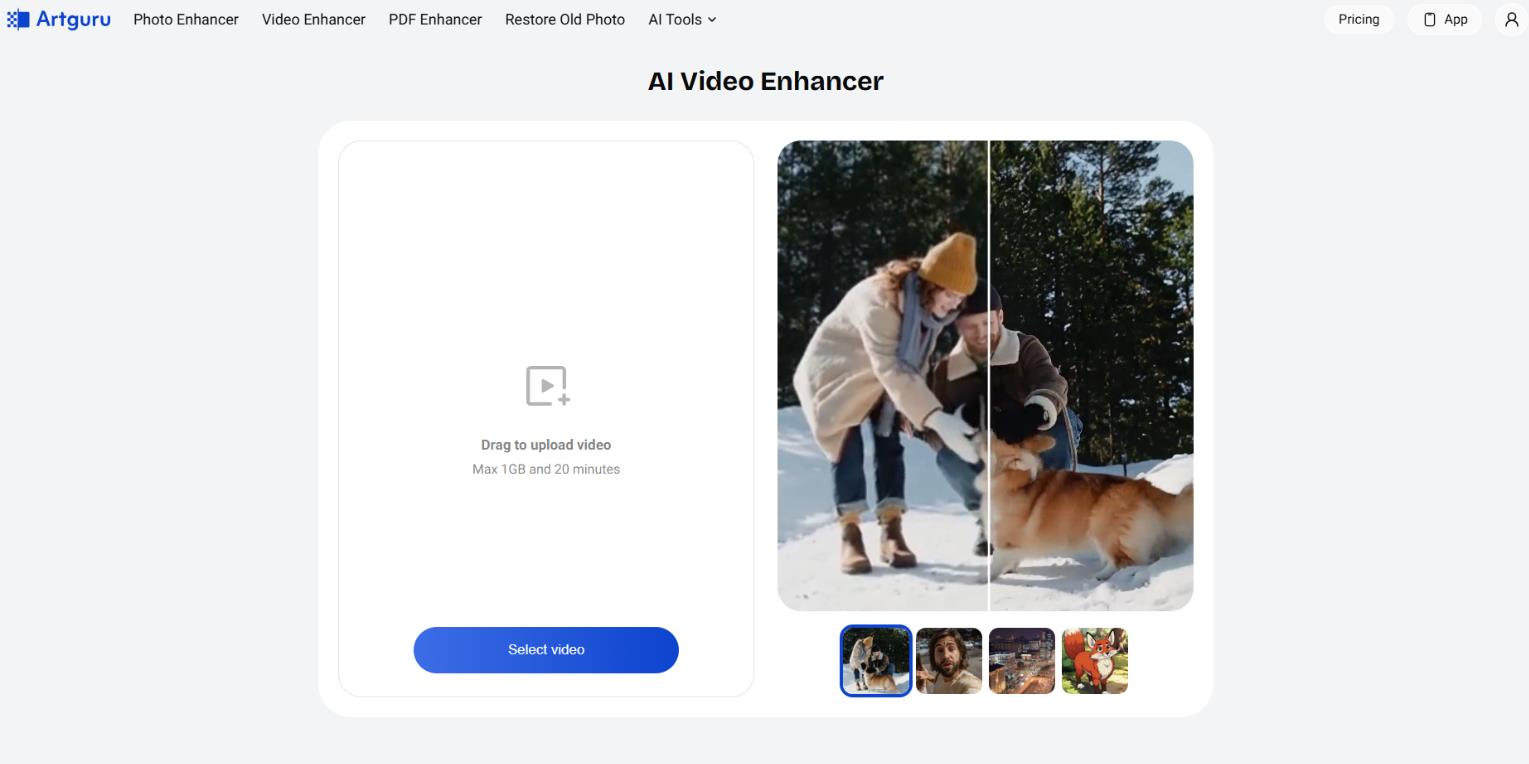
This is one of the more interesting features. You can enhance video quality up to 4K, reducing noise and improving sharpness. Or you can swap a face. Video Face Swap handles up to five faces at once. That opens the door for memes or quick actor replacements in amateur clips.
A fair warning: on fast motion, the face may “float” or flicker, especially if the original footage was shot in poor lighting.
PDF Enhancer
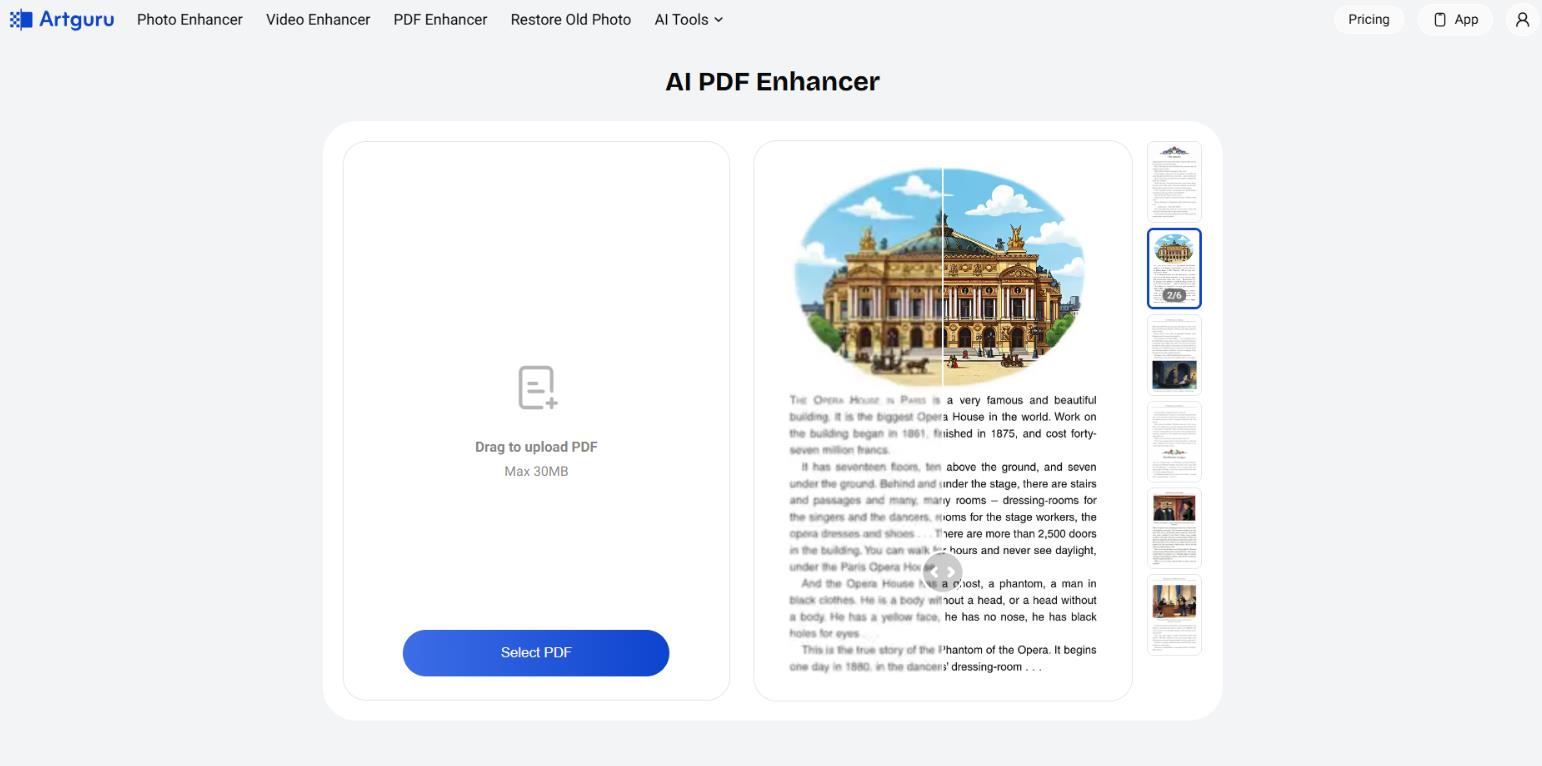
This is rare. We have not seen it in competing tools. Upload a scan of an old book, a blurry contract, or a poorly scanned presentation. The AI sharpens text and graphics. We tested it on a contract with fuzzy printing. The result was solid. The document became readable without eye strain.
For students scanning library books or office workers receiving crooked scans, this feature might be a lifesaver.
Background Removal and Magic Eraser
It works at the level of modern neural networks. Background removal handles complex hair and semi-transparent elements well. The Magic Eraser works like this: paint over an object, and it disappears. The AI fills the gap with matching texture.
Occasional artifacts remain. But the first attempt is usually acceptable.
Pricing
The developers use a credit system. One action, generating an image or enhancing a photo, costs one or several credits depending on complexity.
Here is the current pricing table as of early 2026.
| Plan |
Price |
Credits |
|
Free |
$0 |
8-10 credits daily |
|
Standard |
$9.99/month |
1000 credits |
|
Pro |
$49.99/month |
5000 credits |
One important note: Unused credits expire at the end of the billing period. Pay for a month, process only 10 images out of 50, and the remaining 40 disappear. That is annoying but standard across many AI services now.
Real-World Use Cases
Let us talk about who actually benefits from this. We rely on our own experience and user feedback.
For Personal Use
ArtGuru is built for this. Say you find an old photo of your grandmother when she was young, but it is small and blurry. Run it through the Enhancer. Half a minute later, you have a version you can print and frame. Or you want a unique avatar for Telegram or Discord. Upload a selfie, pick a style like “cyberpunk” or “anime,” and the AI generates a unique image in under a minute. No Photoshop. No drawing skills.
For Business and Work
The scenarios multiply here. The service shines when you have no budget for a Photoshop designer but need results right now.
- An SMM manager running a marketplace store often needs to remove backgrounds from hundreds of product photos. Batch processing on the standard plan cuts that work from several hours to 5-10 minutes.
- A freelancer receives a crooked screenshot of a technical specification. Upload the PDF to ArtGuru, and the text becomes crisp and readable.
- A marketer needs ten different ad creative variations. The text-to-image generator produces those variations in a couple of minutes.
User Reviews and Ratings
On the App Store, the rating holds steady at 4.4 out of 5 based on 100+ reviews. And on Play Store, the rating is 4.2 out of 5. Users praise the daily free credits, the clean interface, and the “wow effect” of old photo restoration. Many say they recommend the service to friends. On Trustpilot, the picture is less rosy, around 3.0 stars. Complaints focus on two things.
First, unpredictable generation. You type “red apple on a wooden table” and get an apple floating in space. Second, the questionable free tier. People assume it is fully free, then hit a watermark, and that frustrates them.
Independent reviews on YouTube and sites like aitools.xyz are generally friendly. They call the service a solid tool for quick tasks but warn that for complex retouching and professional design, you are better off with Adobe or at least Canva Pro.
- Dead simple to use. The interface is so intuitive that getting lost is almost impossible.
- Supports PDF and video. Most competitors only handle images.
- Good upscale quality. When restoring faces and textures, the result looks natural more often than not.
- A real free entry point. Daily credits let you solve small tasks without spending money.
- Cross-platform. Work on a computer, continue on a phone. Sync happens automatically.
- Unpredictable generation. The AI sometimes returns completely unexpected results.
- Video artifacts. Face Swap on dynamic scenes can cause floating or flickering faces.
- Watermarks on the free tier. No way around it.
- Credits expire. Use them or lose them each month.
Verdict: Who This Is For
The service is a good fit if you need to quickly upscale an old image, you sell products on marketplaces and are tired of manual background removal, or you have a pile of blurry document scans that need cleaning up.
On the other hand, you will be disappointed if you are used to full pixel-level control or if you need complex multi-object scenes with accurate anatomy and perspective.
ArtGuru is a straightforward workhorse for everyday tasks where speed matters more than perfect quality. It processes files quickly and without fuss. If your goal is to save an hour of time and a few bucks on a freelancer, ArtGuru makes a solid assistant.
❓ Frequently Asked Questions
Answers to relevant questions about this AI tool
Sources
-
Artguru AI — artguru.ai
-
Pricing plans — artguru.ai
-
Artguru Open API Platform — docs.artguru.ai
-
Pricing - Introduction - Artguru Open API Platform — docs.artguru.ai
-
Read Customer Service Reviews of artguru.ai - Trustpilot — trustpilot.com