Top AI Face Combine Generators: Morph Two Faces Together
On this page
Tools based on artificial intelligence have firmly entered the daily workflow of designers, marketers, and creators. Among them, a distinct category stands out: AI Face Combine Generators. These are programs that merge features from two or more faces into a single new image with a high degree of realism or in a given style.
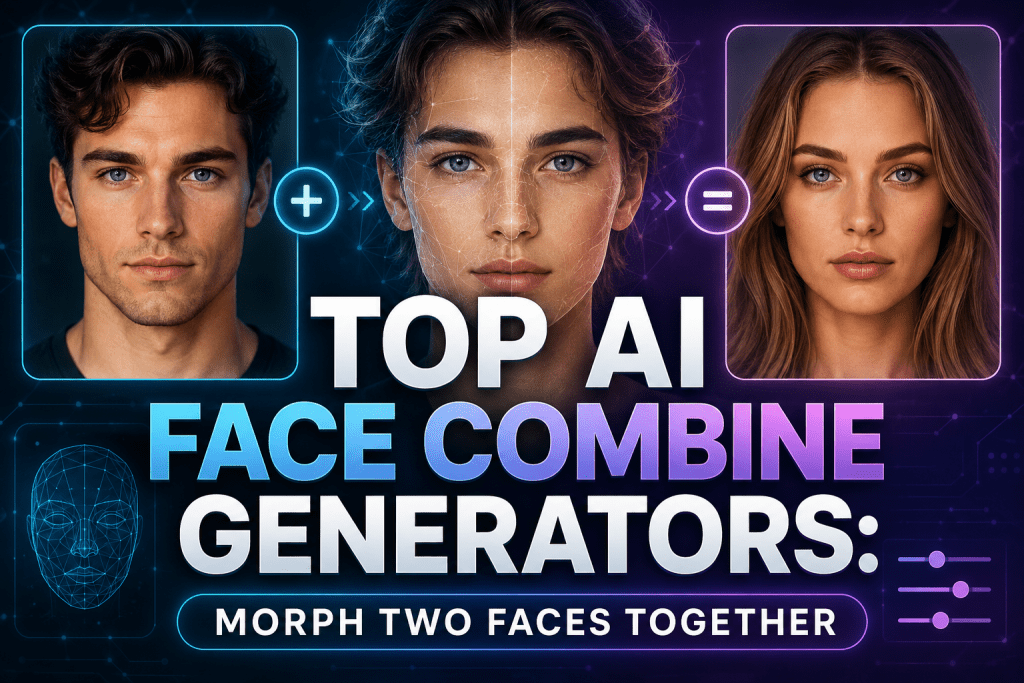
This review breaks down how these technologies work and who needs them and provides a ranking of the best services in 2026 based on the balance of price, control, and output quality.
What AI Face Combine Generators Are and Why They Are Useful
AI Face Combine / Face Morph / Face Merge is a stable and highly popular trend in 2025–2026. Users upload two or more photos so that AI can create a new realistic or stylized image that combines the features of those faces.
The most viral use cases include:
- Baby Predictor — “what your child will look like,” a highly emotional and addictive format.
- Celebrity Mashup — blending oneself with celebrities, actors, or musicians.
- Character Creation — generating unique characters for games, NFTs, avatars, and concept art.
- Fun Morphs — memes, gender swap, age swap, “me + my friend/partner/favorite character.”
- Morph Video — smooth transitions between faces, highly engaging on TikTok and Reels.
The market for AI face-related tools (including generators, morph, swap) is growing at over 9% per year and is already valued at tens of billions of dollars. Modern diffusion models and specialized face tools produce highly realistic results — significantly better than older FaceApp or Reface from 2023–2024.
Technologically, such services are built on a combination of computer vision and generative neural networks — most often based on diffusion models or GAN architecture. The neural network identifies key anthropometric points on facial portraits (eyes, nose, oval of the face) and converts faces into mathematical feature vectors. A geometric alignment algorithm deforms the source images so that their features match in shape, then blends skin textures, colors, and lighting.
In the final stage, generative AI comes into play, enabling finer adjustments.
How It Works
The choice of service depends on which stage is emphasized. Fast, free tools cut corners on generative refinement, delivering recognizable but “plastic-like” results. Professional services like Playform pass images through heavy models, taking more time but providing control over 30+ parameters. Advanced hybrids in 2026 add a multimodal approach, allowing feature adjustments even through text prompts.
Unlike pure face swap (where one face is completely replaced by another), face combine/morph actually blends features, creating a new person. This makes results more natural and less “deepfake-like.”
The process is standard for modern neural networks:
- The user uploads two or more images.
- The algorithm detects key anthropometric points: eye shape, nose and lip shape, face oval, skin texture, and lighting.
- The program then aligns the faces, blends features in a specified proportion, and generates the final portrait.
Advanced tools allow adjusting the weight of each source face, editing individual features, creating morph videos with smooth transitions, or predicting the appearance of a hypothetical couple’s child.
Where It Is Used: From Memes to Game Development
The range of applications is broad enough to justify interest from different audiences.
For entertainment, people use these tools to create memes, viral content, and “me + celebrity” mashups. In professional environments, generating characters for games, illustrations, NFTs, and concept art has become routine. Marketing agencies use such services for A/B testing visuals and creating unique avatars for ad campaigns. Artists, photographers, and 3D modelers save hours of manual work by getting a base for further refinement.
People love seeing “themselves in a different image” or “their future child.” This evokes strong emotions — hence high sharing and virality on social media. TikTok, Instagram Reels, Snapchat, and X are filled with such videos and images.
Important to remember about ethics: always obtain consent to use others’ photos. Services are geared toward a Western audience — fast web access, English interface, and mobile compatibility are standard.
Top 5 AI Face Combine Generators
The following tools have been selected based on the best balance of functionality, price, and real user reviews in 2026.
1. Artbreeder
Official website: artbreeder.com
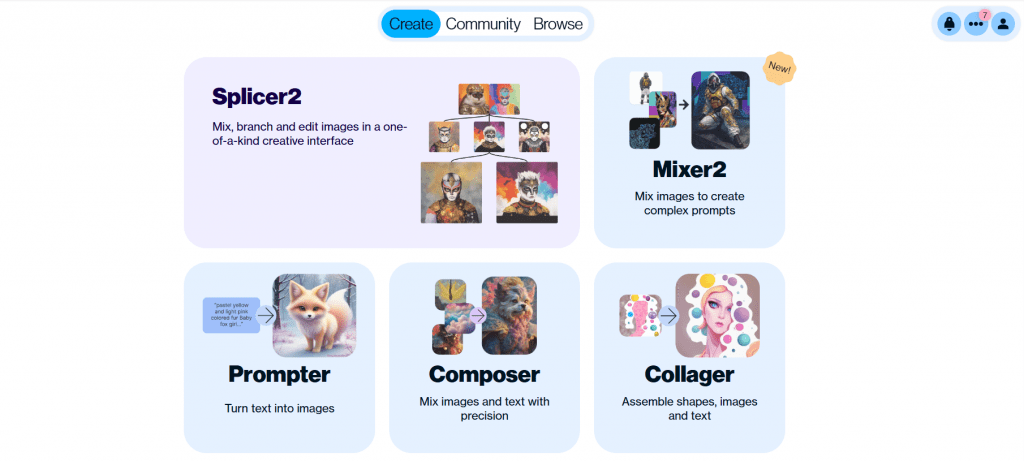
This is a classic of the genre, born out of experimental GAN models. Instead of simple blending, Artbreeder offers a system of “genes” — sliders that adjust thousands of parameters: from eyebrow shape to lighting and illustration style.
You upload several images or choose existing ones from the community library, then “crossbreed” them by adjusting proportions. You can create entire family trees of images, evolving a character step by step.
- Features: Unmatched depth of control, support for portraits, landscapes, and anime styling. A strong community that shares prompts and settings.
- User Reviews and Ratings: Users appreciate the “magic of blending” and creative freedom but note the time required to master the tool. Average rating ~4.3/5 on aggregators.
- Pricing: Freemium. Free — basic features with limits on saving and resolution. Starter — $8.99/month (higher resolution, more uploads), Advanced and above — unlimited.
- Deep control over every aspect of the face
- Active community
- Unique approach to “breeding” images
- Steep learning curve for beginners
- Strict limits on the free plan
- Sometimes less photorealistic compared to modern diffusion models
2. Playform FaceMix

Official website: playform.io
A professional tool designed for artists and production teams. Unlike entertainment services, the focus is on precision and export formats.
You upload up to 4+ faces, then adjust over 30 parameters (age, makeup, expression, texture). You can create morph videos to demonstrate transitions or export results in 3D formats.
- Features: Detailed expression editing, support for photorealism and illustrations, clear commercial usage terms with rights transfer.
- User Reviews: Artists and 3D modelers praise the speed and convenience of the parameter panel. They note that the tool “thinks like a professional.”
- Pricing: Plans from $10/month (Plus Unlimited Experiments) to $30+ (Pro/Studio). Free trial access available.
- Multifunctional (morph video, feature editing)
- Full ownership of results
- Geared toward content creators
- Narrow focus on faces only (not a universal editor)
- Requires creative input for outstanding results
3. Bylo AI Face Morph

Official website: bylo.ai
The choice for those who need a quick result without registration. The service solves one task — blending two or more faces as realistically as possible.
You upload photos, and the system automatically aligns and blends them. Basic use does not require an account. Batch processing and high resolution require a premium subscription.
- Features: Integration with other AI functions on the platform (upscale, retouch). An excellent choice for baby prediction or celebrity mashups.
- User Reviews: Users are delighted with the speed (“seconds for a result”) and the naturalness of the blend. Popular for creating memes and viral social media content. On Trustpilot, mixed ratings (around 2.5) for long-term reliability exist, but these are offset by many fresh positive cases.
- Pricing: Core functionality is free; premium access via credits or subscription for increased volume.
- Accessibility and speed
- Free start without registration
- Natural and realistic blends
- Minimal control compared to Artbreeder or Playform
- Possible limits on the free tier
- Mixed reviews regarding stability under high load
4. NanoImg Face Morph
Official website: nanoimg.io
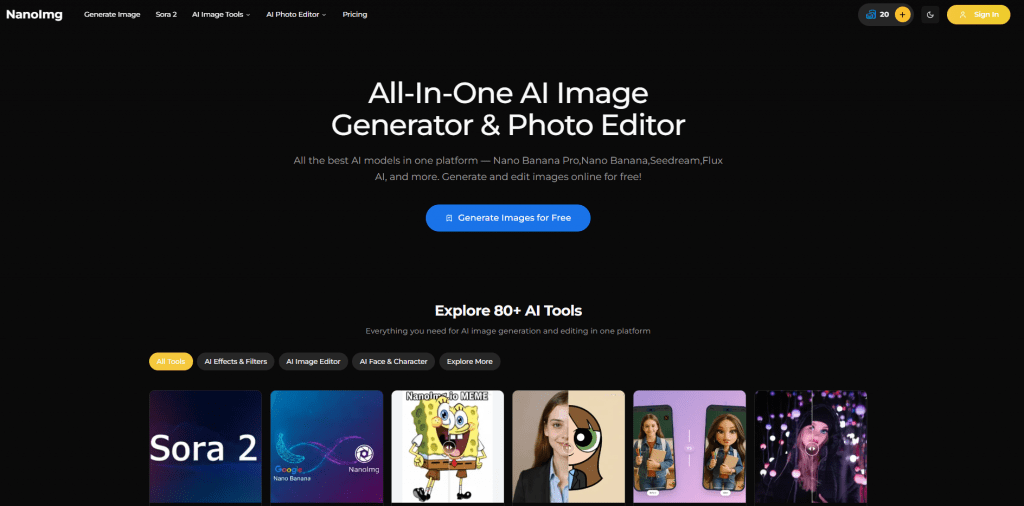
A powerful tool for those who need not only morphing but also a wide range of related functions: face swap, gender swap, age correction.
You select Face Morph from the list of tools, upload several faces, and get a result in seconds. Each morph costs a fixed number of credits.
- Features: No watermarks on paid results, support for multiple faces at once, very high quality of final images.
- User Reviews: Praised for speed and for working as part of a larger editing suite. The price-to-quality ratio is considered one of the best.
- Pricing: Credit-based, free starter credits. Lite from $10/month (600 credits), each morph ~2 credits. Flexible plans.
- High speed
- No mandatory registration for testing
- Good price-to-quality ratio as part of a multi-functional platform
- Credit system can deplete quickly with active use
- Main focus is on editing rather than pure creative “breeding” of images
5. Fotor AI
Official website: fotor.com
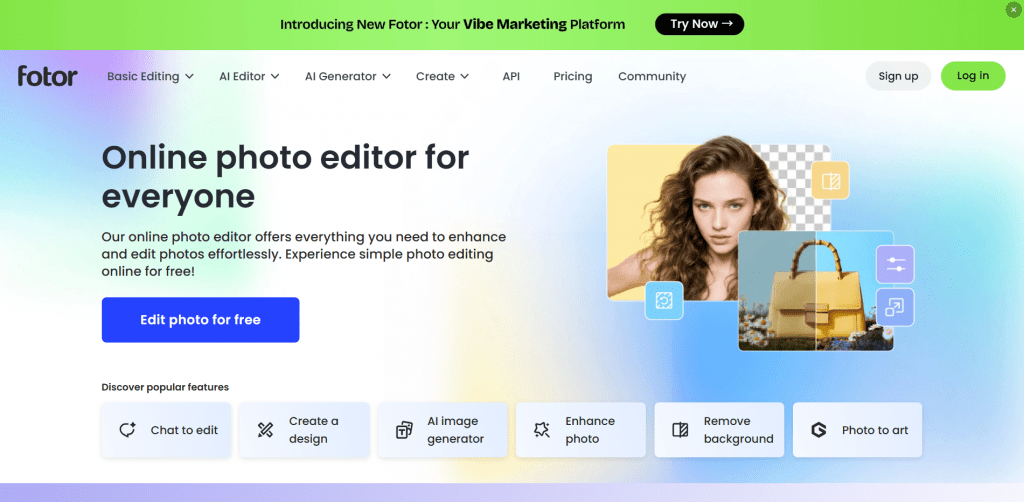
A popular online photo editor that has added AI morphing functions to its arsenal. A convenient solution for non-professionals who don’t want to switch between different sites.
In the editor, you find the AI Face Morph section, upload source photos, and set blending proportions. All other tools (retouching, background, color correction) are right there at hand.
- Features: Batch processing support, integration with cloud storage, mobile apps (iOS/Android) for quick editing from a phone.
- User Reviews: Users positively rate the “all-in-one” convenience and familiar interface. Beginners especially love Fotor for its clarity.
- Pricing: Freemium. On the free tier — watermarks and limited resolution. Pro from $8.99/month — advanced AI, no watermarks. Credits for heavy use.
- Familiar and simple interface
- Mobile apps available
- Large set of additional editing tools
- Morphing is not the main specialization
- Watermarks on the free version
- Sometimes slow on complex tasks
Comparison Table
The table below summarizes the key differences between the five services, helping you quickly compare their strengths, pricing, realism, free options, and platforms at a glance.
|
Service |
Best For |
Starting Price |
Realism / Control |
Free Option |
Platform |
|---|---|---|---|---|---|
|
Artbreeder |
Creative breeding & characters |
$8.99/mo |
High control (sliders) |
Yes (limited) |
Web |
|
Playform FaceMix |
Professional morphing & video |
$10/mo |
Excellent feature editing |
Trial access |
Web |
|
Bylo AI |
Quick fun mashups |
Free (core) |
Good realism |
Yes |
Web |
|
NanoImg |
Fast morphing + other AI tools |
$10/mo (credits) |
Fast & quality |
Starter credits |
Web |
|
Fotor AI |
All-in-one editor + morph |
$8.99/mo |
Good for casual tasks |
Yes (basic) |
Web / Mobile |
Conclusion
In 2026, AI Face Combine Generators have evolved from a toy into a full-fledged working tool. For deep creative control and character creation, Artbreeder and Playform FaceMix are the best choices. If speed and accessibility are what you need, choose Bylo AI or NanoImg. Fotor is the optimal choice for non-professionals who value versatility.
Use them, experiment, but always remember to respect ethics when using others’ photos and carefully read license terms for commercial projects. Technology continues to improve realism and speed, making these tools a must-have for modern creators and marketers.
❓ Frequently Asked Questions
Answers to relevant questions about this AI tool