


Vidmage AI: Free Face Swap for Photos & Video
On this page
Replacing faces in photos and videos no longer requires expensive software or professional skills. Over the past couple of years, AI tools have made this technology accessible to almost anyone with a browser or a Mac. Vidmage AI is one of these many AI tools. It promises a realistic face swap in three clicks, with no watermarks or editing skills required. On top of that, it offers upscaling, object removal, clothing swapping on photos, and even text-to-video generation.
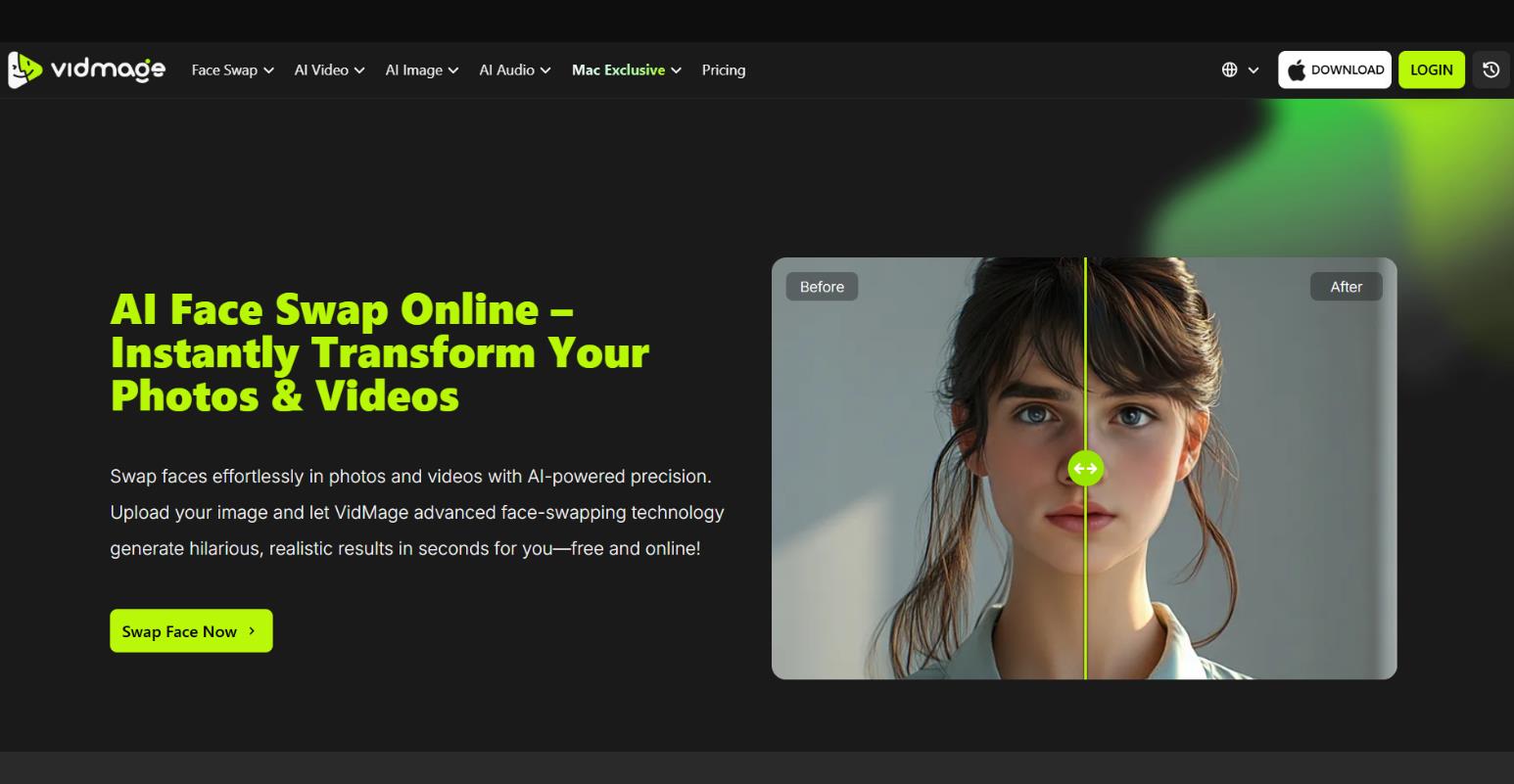
Let’s see what the key features are, how well it actually works, and who this tool is really for.
What Is Vidmage.ai
Vidmage.ai is an online service and desktop application for macOS specializing in face swap for photos, videos, and GIFs. The platform uses deep learning algorithms to analyze facial expressions, lighting, skin texture, and head angles, then seamlessly integrates the new face into the original material.
In addition to its core function, the service includes a set of additional AI tools:
- Image and video upscaler
- Object and watermark remover (including Sora logo removal)
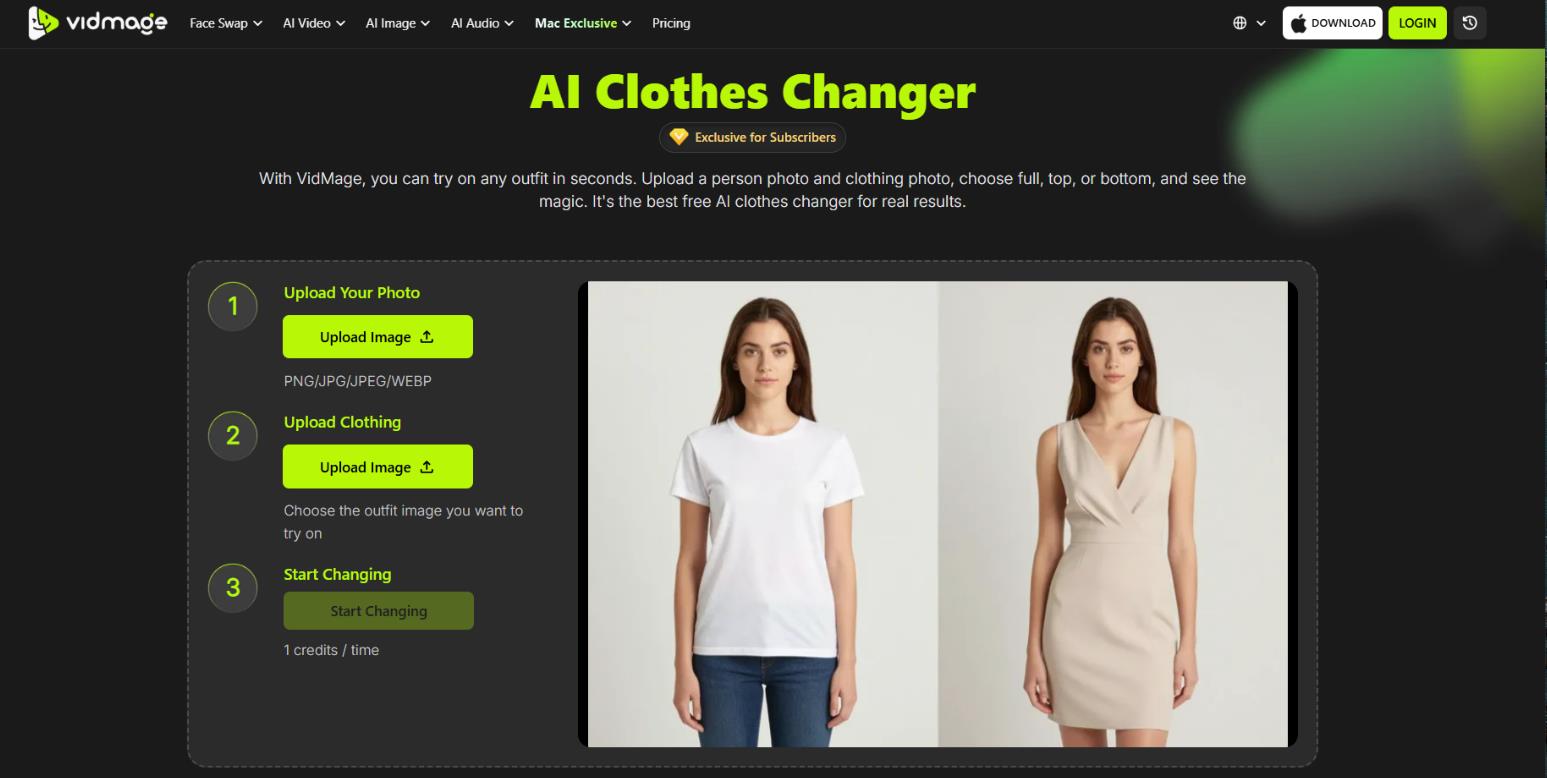
- AI clothes changer on photos
- Turning static images into dancing videos
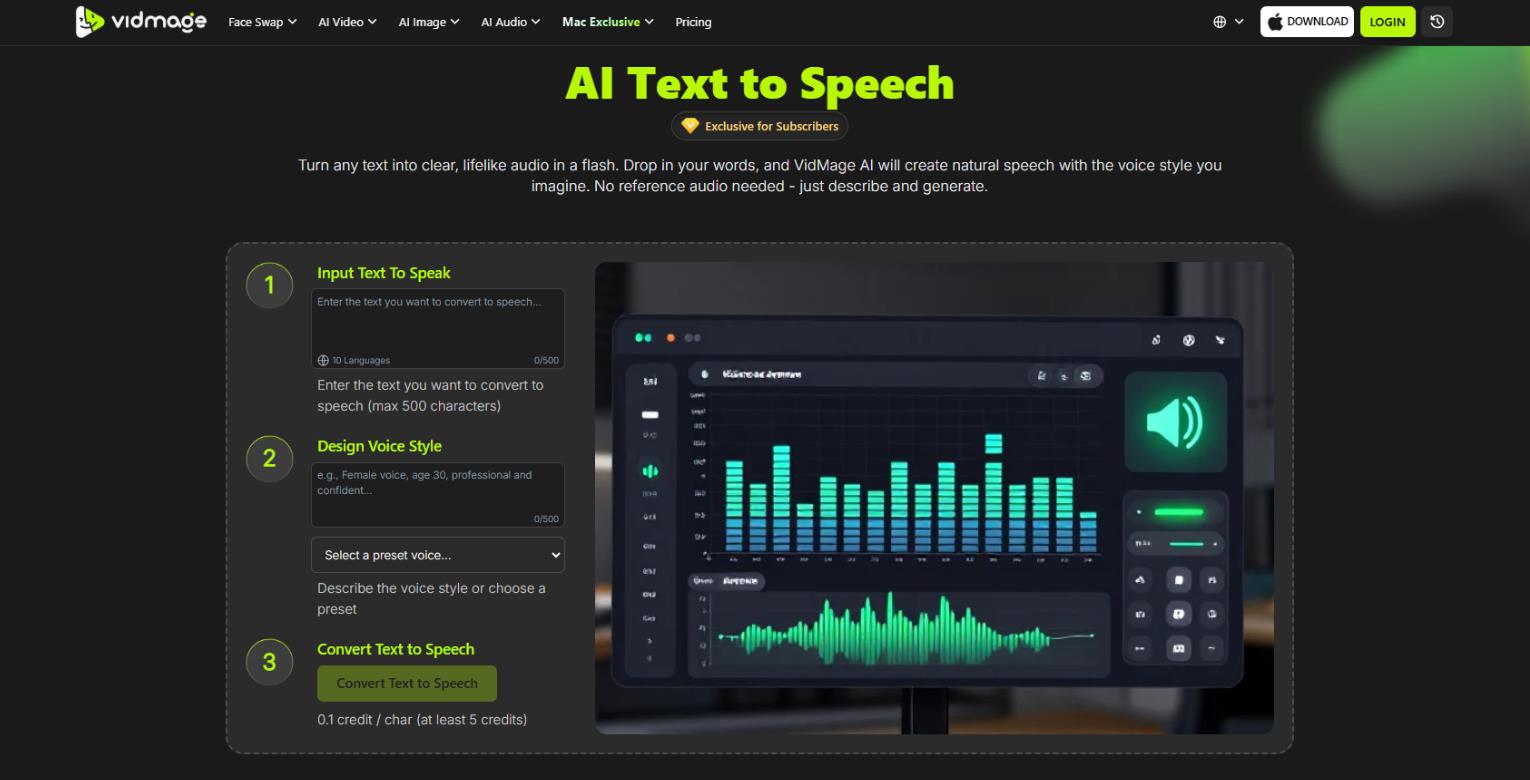
- Lip sync
- Text-to-video generator
Essentially, this is not just a deepfake tool but a versatile creative editor focused on face manipulation.
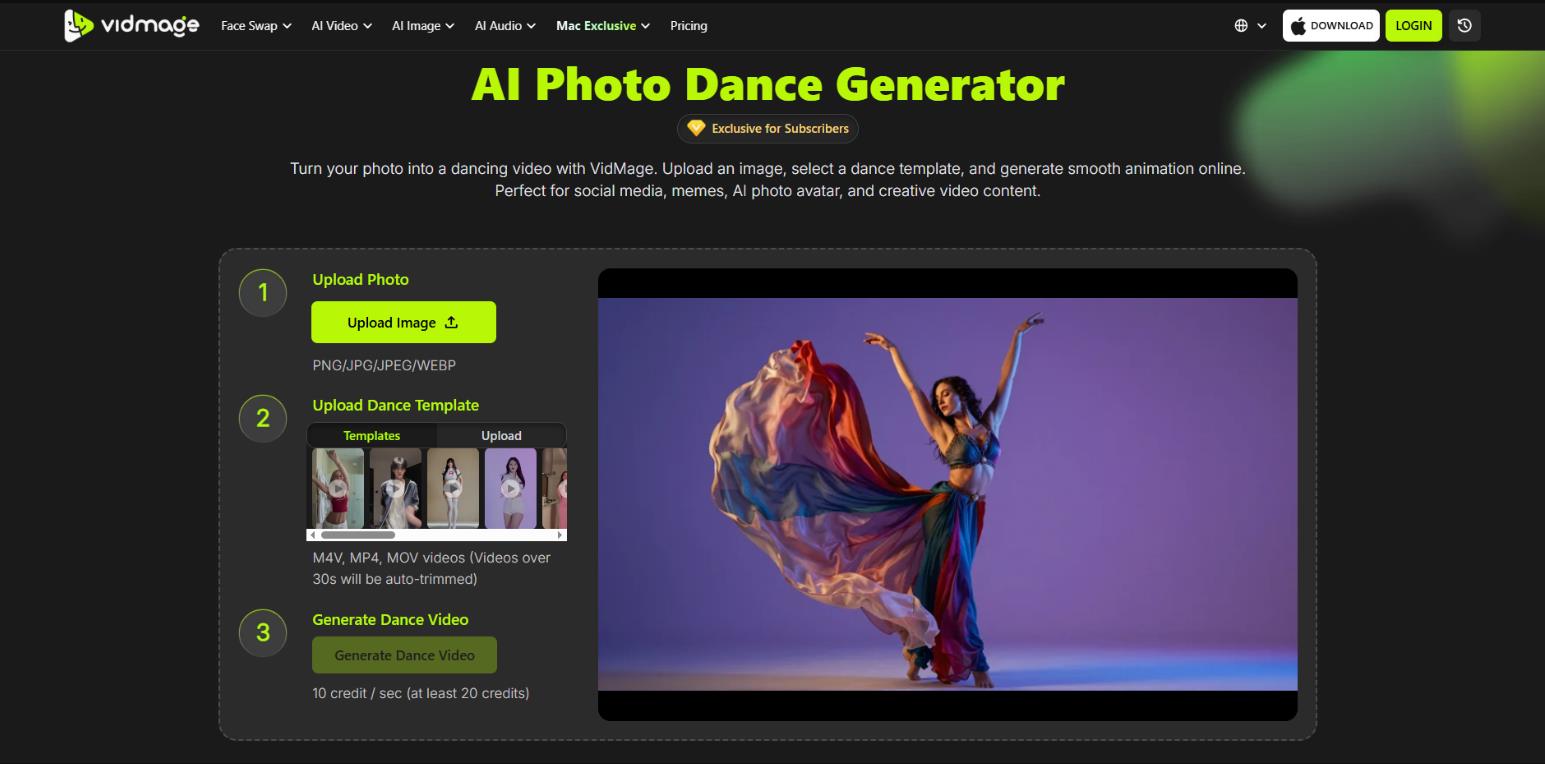
What It’s Used For
The main use cases include:
- Creating memes and viral content for TikTok, Reels, YouTube Shorts
- Fun edits: trying on a movie character or celebrity look for yourself and friends
- Marketing and SMM tasks: personalized videos for brands and social media
- Quick photo and video correction, such as fixing an awkward expression
- Professional creative work: short parodies, reaction videos, blog content
How It Works
The process is extremely simple and takes three steps with no registration required for basic use:
- Upload the source file — a photo or video where you want to replace a face.
- Upload the target face — your selfie, a celebrity photo, or a character.
- Hit the start button — AI analyzes facial features, motion tracking (for video), adjusts lighting and skin texture, leaving the rest of the frame untouched.
On the Mac app with Apple Silicon chips, real-time mode is available: you can change faces on the fly in Zoom, FaceTime, Google Meet, OBS. Processing happens entirely offline with no limits. Multiple face swaps (up to four or more in a single frame), batch processing, and partial replacement of individual features—eyes, nose, mouth—are all supported.
What Platforms Vidmage Is Available On
Vidmage comes in two versions:
- Web version — works in any browser, no installation required. All computations run on the company’s servers, files are uploaded to the cloud and automatically deleted within an hour.
- Mac app — only for Apple computers with M1 processors and newer. Works locally with no data sent to servers, supports live face swap in video calls and streams.
There is also a separate Vidmag mobile app for iPhone, but its functionality is limited to generating videos from photos and does not include full face swap.
Pricing
The service operates on a freemium model. There is free access with daily limits and paid subscriptions that remove most restrictions. All operations are charged in credits only after free quotas are exhausted or within paid plans.
| Plan |
Price |
Credits |
Key Limitations |
|
Free (Web) |
$0 |
none, daily quotas only |
15 photos/day, 20 sec video/day, files up to 5 MB (photo) / 100 MB (video), batch up to 5 |
|
Free (Mac) |
$0 |
none, but limits apply |
live face swap — 5 min/day with watermark, video preview up to 15 sec |
|
Monthly Plan |
first month $9.99, then $14.99/month |
400 credits/month |
almost all limits removed: video up to 300 sec, files up to 1024 MB, batch up to 50, Mac live unlimited |
|
Yearly Plan |
first year $69.99, then $99.99/year |
400 credits/month (4,800/year) |
same benefits as Monthly, plus ~40% savings |
Credit Usage:
- Photo Face Swap — 1 credit per photo
- Video Face Swap — 1 credit per second of video
- GIF Face Swap — 1 credit per second
Credit Packs (for active subscribers only):
| Pack |
Price |
Credits per $ |
|
1,000 credits |
$9.99 |
100 |
|
5,000 credits |
$39.99 |
125 |
|
30,000 credits |
$199.99 |
150 |
|
100,000 credits |
$499.99 |
200 |
The subscription auto-renews and can be canceled at any time. Unused credits do not expire as long as the account is active. For the annual plan, the service offers promo code EAPH4PFB.
Who Will Benefit and Use Cases
The tool is useful for a wide range of users: from ordinary people looking for some fun to professional content creators and SMM specialists.
It’s especially suitable for those who want to experiment with AI video but aren’t ready to master complex programs like Premiere Pro or Final Cut. Not recommended for serious deepfake projects or tasks where legal compliance and ethical use are critically important. The service explicitly warns users about their responsibility.
Personal use:
- Creating fun greeting cards and messages with face swaps
- Turning yourself into a favorite movie or game character
- Quickly fixing awkward shots in group photos
- Creating content for personal blogs with no editing skills
Business scenarios:
- Generating variations of ad creatives with different model faces
- Personalizing video messages for clients (e.g., “try this product on yourself”)
- Creating training videos with company avatars or mascots
Quick visual concept prototypes for client presentations
Nuances and Limitations
Despite all its strengths, there are several points worth knowing:
- The quality of the swap heavily depends on the source material. Fast movement, poor lighting, low resolution, or extreme head angles can cause artifacts.
- For best results, the target face should be front-facing, well-lit, and with a neutral expression.
- The free web tier has strict daily limits: roughly 15 photos, 20 seconds of video, files up to 5 MB (photo) or 100 MB (video).
- A paid subscription or credit purchase removes most limitations and increases processing priority.
User Reviews and Ratings
On Trustpilot, the service has a rating of around 4 out of 5. Users generally rate Vidmage positively in reviews and on specialized forums.
What people praise:
- High realism and naturalness of the swap, especially in short videos
- Ease of use — even a beginner can handle it
- No watermarks on the free tier
- Fast processing
What people complain about:
- Free tier limitations — for serious work you have to pay
- No Windows version
- Rare complaints about subscription and support issues
Many call Vidmage one of the best free face swap tools of 2025–2026, particularly highlighting the Mac version for its offline mode and motion handling quality.
- Extremely simple interface — face swap takes 10–30 seconds with zero preparation
- High quality and natural results, especially in short videos and photos
- Free start with no registration or watermarks — test it with zero investment
- Mac app with offline mode, unlimited limits, and real-time support for calls and streams
- Multiple additional AI tools in one place: upscaler, remover, clothes changer, lip sync
- Strict free web tier limits: 20 seconds of video per day — too little for serious work
- macOS only for the desktop app — Windows and Linux users are stuck with the browser version
- Web version requires uploading files to servers, which may raise privacy concerns
- In complex scenes (fast motion, poor lighting, low resolution), artifacts and tracking failures can occur
Conclusion
Vidmage.ai is a typical example of an accessible AI tool from the mid-2020s that significantly simplifies creative editing. The service strikes a good balance between quality, ease of use, and price. It’s ideal for casual users and mid-level creators who need quick face swaps in photos and short videos without diving into professional editors. For intensive work or processing longer videos, you’ll need to switch to paid plans, but the free version is sufficient for many everyday tasks. The main drawback — lack of Windows support and limited mobility — is actually a plus for Mac owners. Overall, Vidmage fits well into the “AI for everyone” trend and deserves attention.
Sources
-
VidMage AI Official Site — vidmage.ai
-
VidMage Pricing — vidmage.ai
-
Terms of Service — vidmage.ai
-
FAQ - Choose Your Plan — vidmage.ai
❓ Frequently Asked Questions
Answers to relevant questions about this AI tool
Sources
-
VidMage AI Official Site — vidmage.ai
-
VidMage Pricing — vidmage.ai
-
Terms of Service — vidmage.ai
-
FAQ - Choose Your Plan — vidmage.ai







Very interesting subject, thanks for posting.
@SarahSMM just keep in mind that the web version requires cloud uploads. If you aren’t on an M1 Mac to run it locally, you’re basically handing over your biometric data to their servers for processing. Also, that 20-second daily limit for free users is a joke for any real video work.
This looks like a total game changer for TikTok and Reels! 🤩 I’ve been looking for a way to do quick face swaps without needing a whole production team. The clothing changer feature is such a huge plus for social content! ✨