


Vheer: Free AI Image & Video Generator
On this page
In 2026, most creative AI platforms come with familiar conditions: account registration, usage limits, or watermarked downloads. Vheer promises something different: “Unlimited, no signup, no watermark.” It brings AI image and video tools together in one browser-based platform, with much of it available for free. This review looks at what Vheer can create, where it falls short, and whether it is a practical alternative to better-known AI generators.
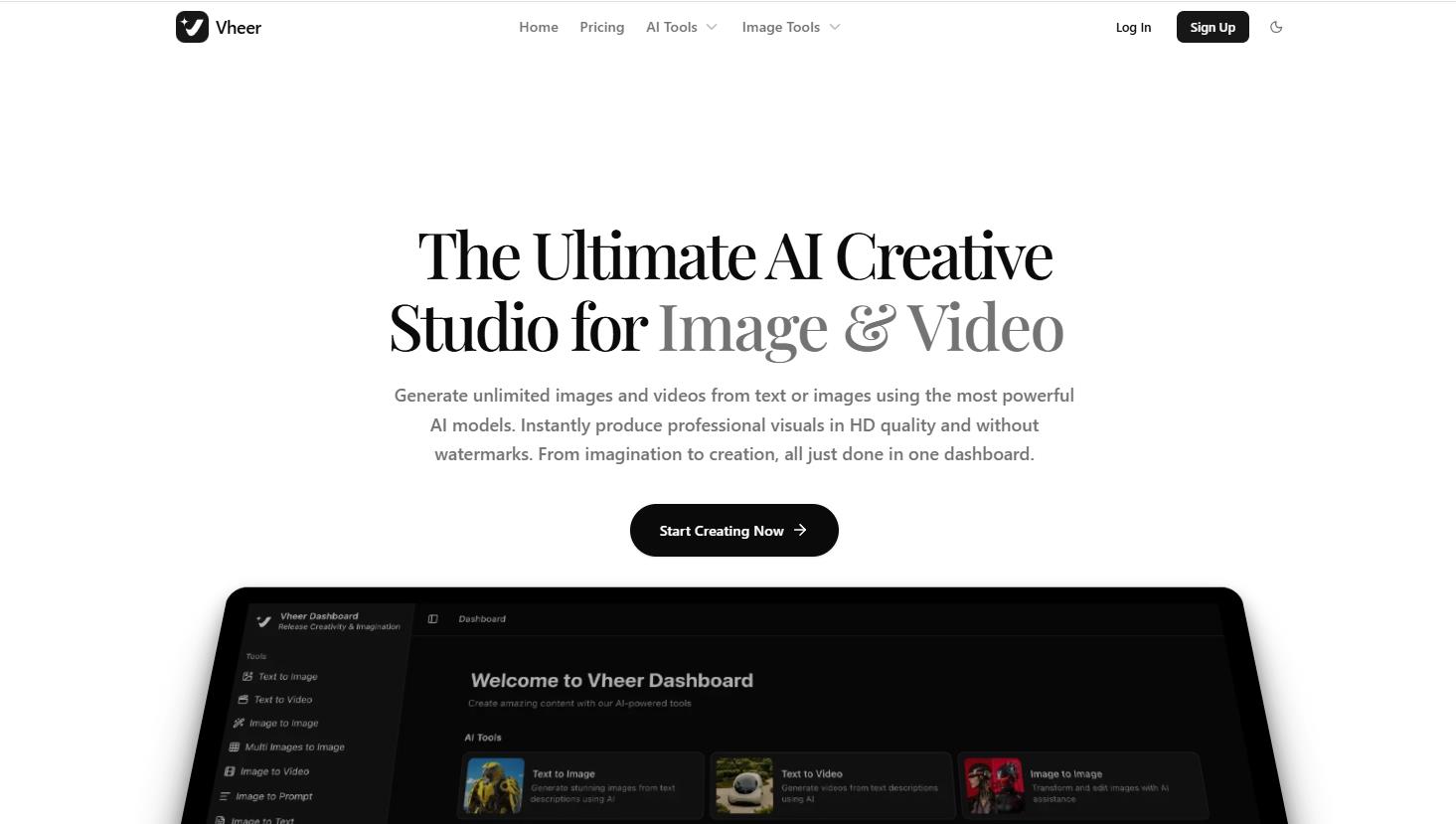
What is Vheer, and how does it work?
Vheer is a cloud-based AI platform designed as an all-in-one creative studio. The developers want users to stop switching between different AI generators and prompt editors, consolidating the entire workflow into one dashboard.
You simply visit the website and can immediately start generating basic images using the Vheer Quality model. No registration required, no watermarks. If you need advanced features, generation history, and access to newer models (including Flux Klein, SeeDream V4, LTX Video, and others), you can quickly log in via email or Google. Additional models include Veo3 Fast, Sora 2, MiniMax Hailuo, Nano Banana Pro, and more.
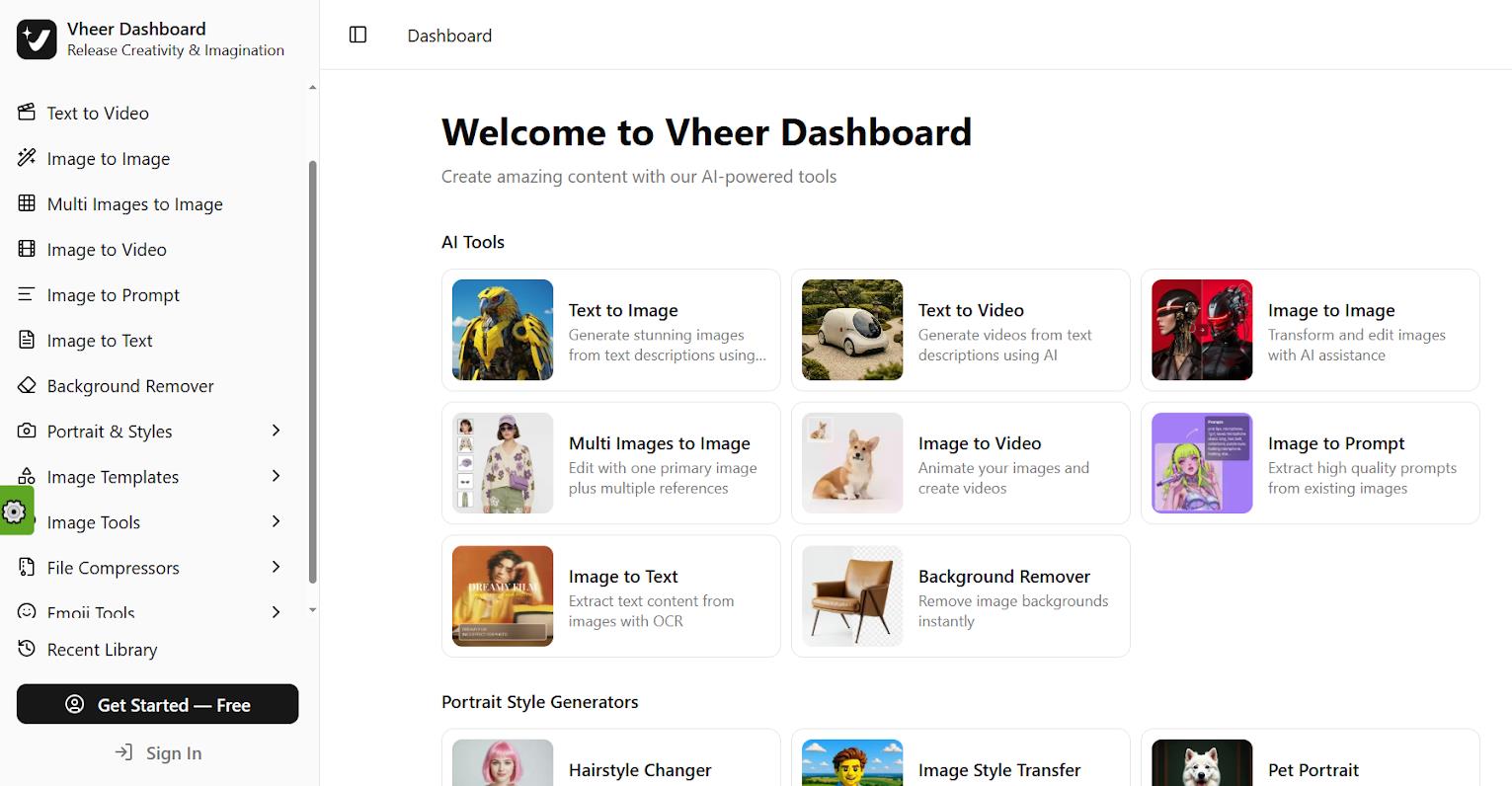
Technical details
Basic images are generated without limits, watermarks, or even registration. This is the service’s main selling point. Many different tools are available in one window, saving a lot of time. Short videos render in 10–60 seconds, images in seconds. Image quality is comparable to paid alternatives.
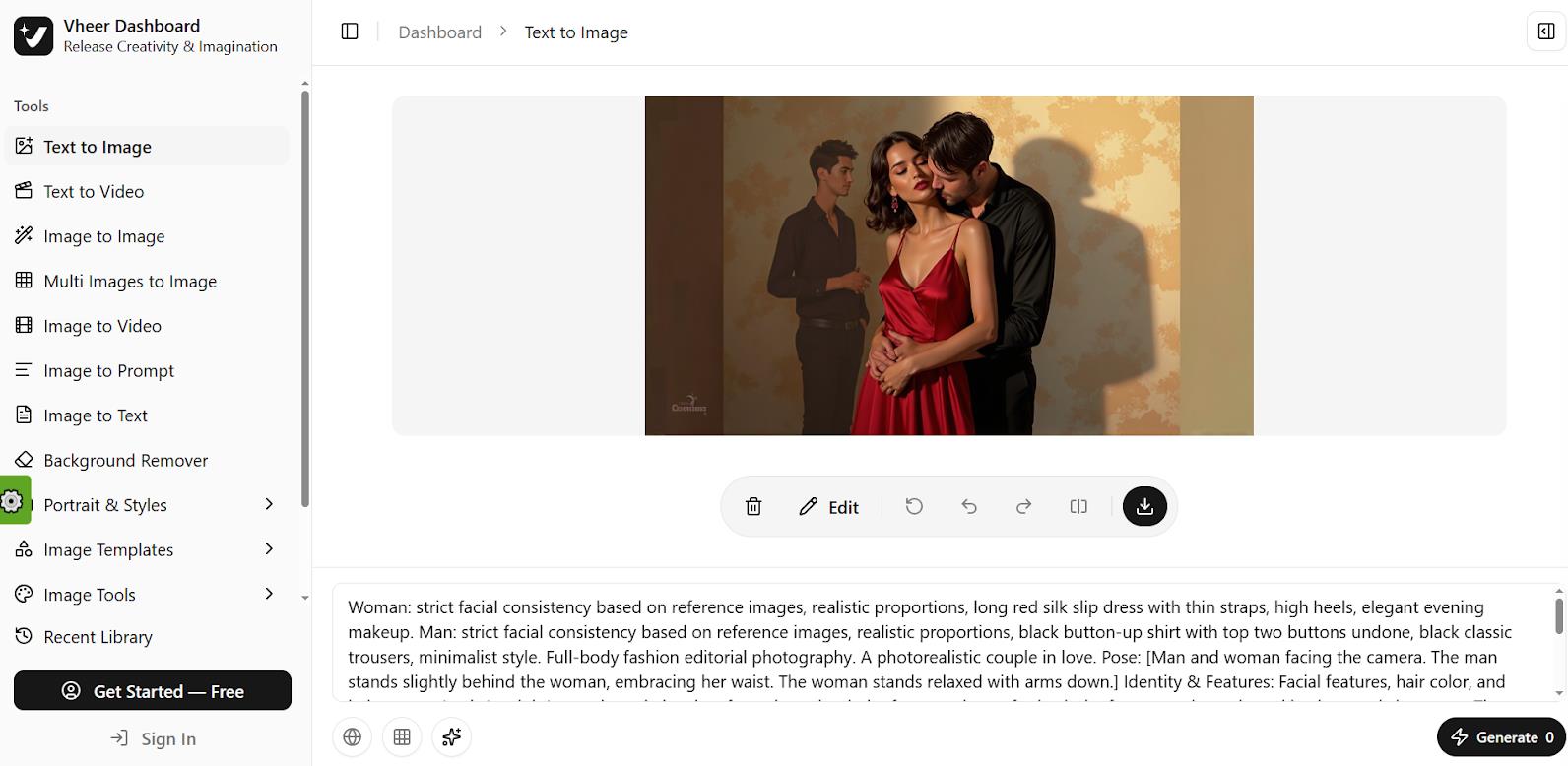
The interface is beginner-friendly. The Prompt Enhance feature automatically improves your request if you don’t know the exact wording.
- Tools: Text-to-Image, Image-to-Video, Multi-Images-to-Image, background removal, Image-to-Prompt, and others.
- Controls: Built-in Prompt Enhance for improving prompts and a unified canvas for editing.
- Export: Hd quality, adjustable aspect ratio (1:1, 9:16, 16:9).
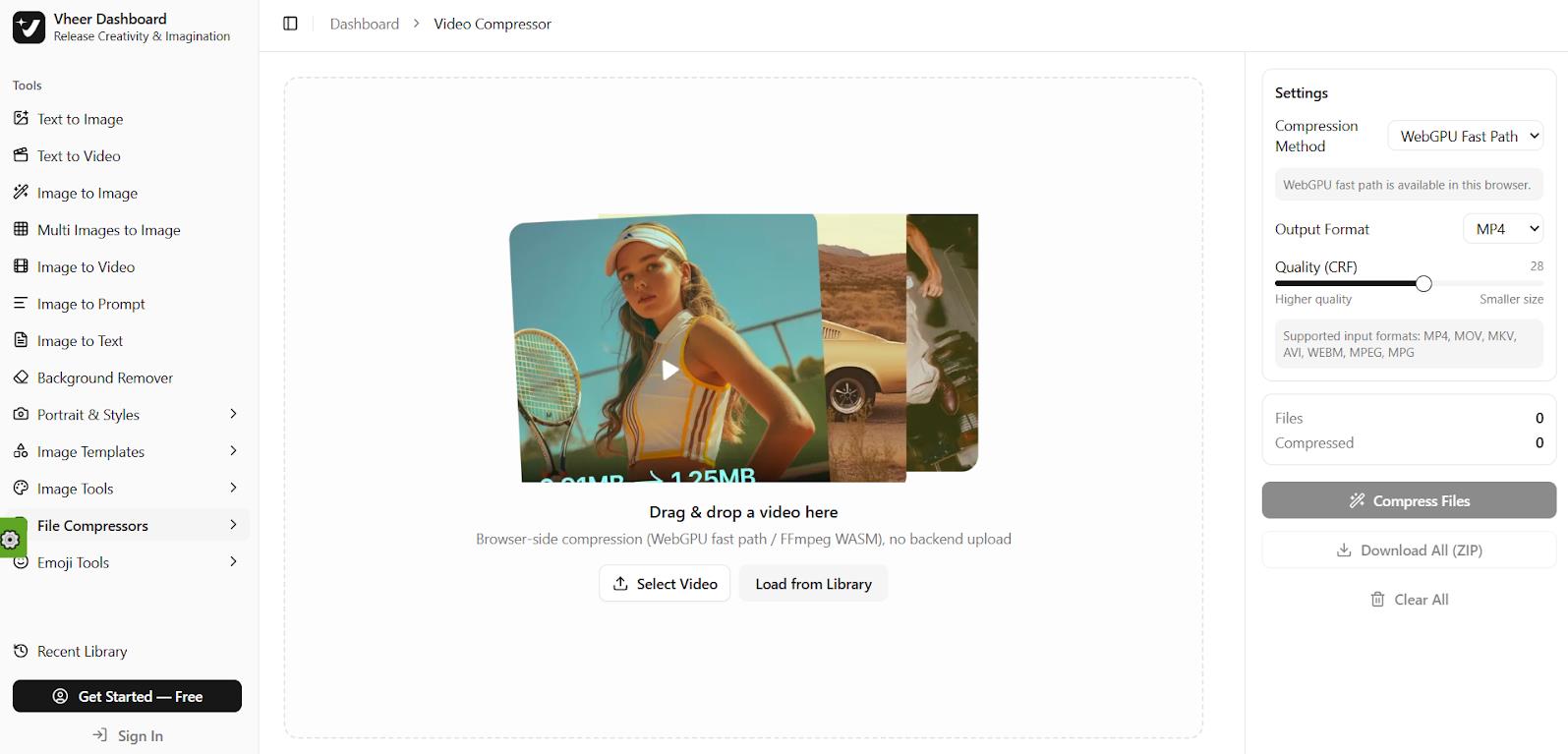
- Platform: Fully browser-based, no software installation required. No mobile apps available.
Key features
- Time savings. Instead of working with 5-6 separate services, users do everything in one window.
- Accessibility. Free start without registration for basic image generation is rare in 2026.
- Commercial use. Paid plans allow using generated content for business purposes.
There are also drawbacks. Sometimes the AI generates distorted anatomy (fingers, eyes) or ignores complex prompts. Videos are often only 4-5 seconds long and can be unstable.
The service also prohibits generating sensitive content (violence, NSFW), in case that matters to you.
Pricing
Basic images on Vheer Quality are unlimited and require no credits. The free plan provides 50 credits per month for access to premium models like Flux Klein, SeeDream V4, LTX Video, etc.
However, video and premium tools consume credits very quickly, forcing users to buy a subscription starting at $9.99.
| Plan |
Price |
Credits |
|
Premium |
$9.99/month |
1,000 |
|
Business |
$19.99/month |
2,000 |
|
Ultra |
$49.99/month |
5,000 |
Who is this for and why is it useful?
The platform targets a broad audience: marketers, social media managers, influencers, and small online store owners. Vheer is useful for anyone who needs to quickly create social media visuals, ad banners, or bring static photos to life as short videos for TikTok or Reels.
Personal use:
- Generating avatars and cover images for social media.
- Turning an ordinary photo into a stylized portrait (e.g., anime or retro).
- Creating a gif animation from a vacation snapshot.
For business:
- E-commerce: Quickly generate product photos on different backgrounds, create lifestyle images without expensive photoshoots.
- Marketing: Create multiple ad creatives for a/b testing in minutes.
- Content: Animate banners into short videos for instagram or youtube shorts.
User reviews and ratings
On Trustpilot, Vheer has a rating of 4.3 out of 5 based on over 1,000 reviews. Users praise the “quick start without registration” and “no annoying watermarks.” Western bloggers are particularly enthusiastic, calling Vheer a “Midjourney killer” for simple tasks.
However, about 10-15% of reviews complain about a drop in headshot generation quality after updates and that the AI doesn’t always accurately follow prompts when generating video.
- Truly free entry point.
- All-in-one dashboard.
- High speed.
- Simplicity. li>Regular updates.
- Credits get used up quickly.
- Occasional quality issues in generation.
- Censorship.
- No mobile app.
Conclusion
Vheer is a great example of democratizing AI tools. It won’t replace the professional Adobe suite or complex neural networks for cinematic video. But for 80% of daily and even some work-related tasks, it’s a solid tool to have. If you’re a social media manager, blogger, or small business owner tired of limits and watermarks on free versions, Vheer is definitely worth bookmarking.
❓ Frequently Asked Questions
Answers to relevant questions about this AI tool
Sources
-
Vheer AI — vheer.com
-
Pricing - Affordable Plans - Vheer — vheer.com
-
Vheer is rated "Excellent" with 4.4 / 5 on Trustpilot — nz.trustpilot.com







Just another scam.
The ethical concerns are real. Сloning can easily be misused for scams.